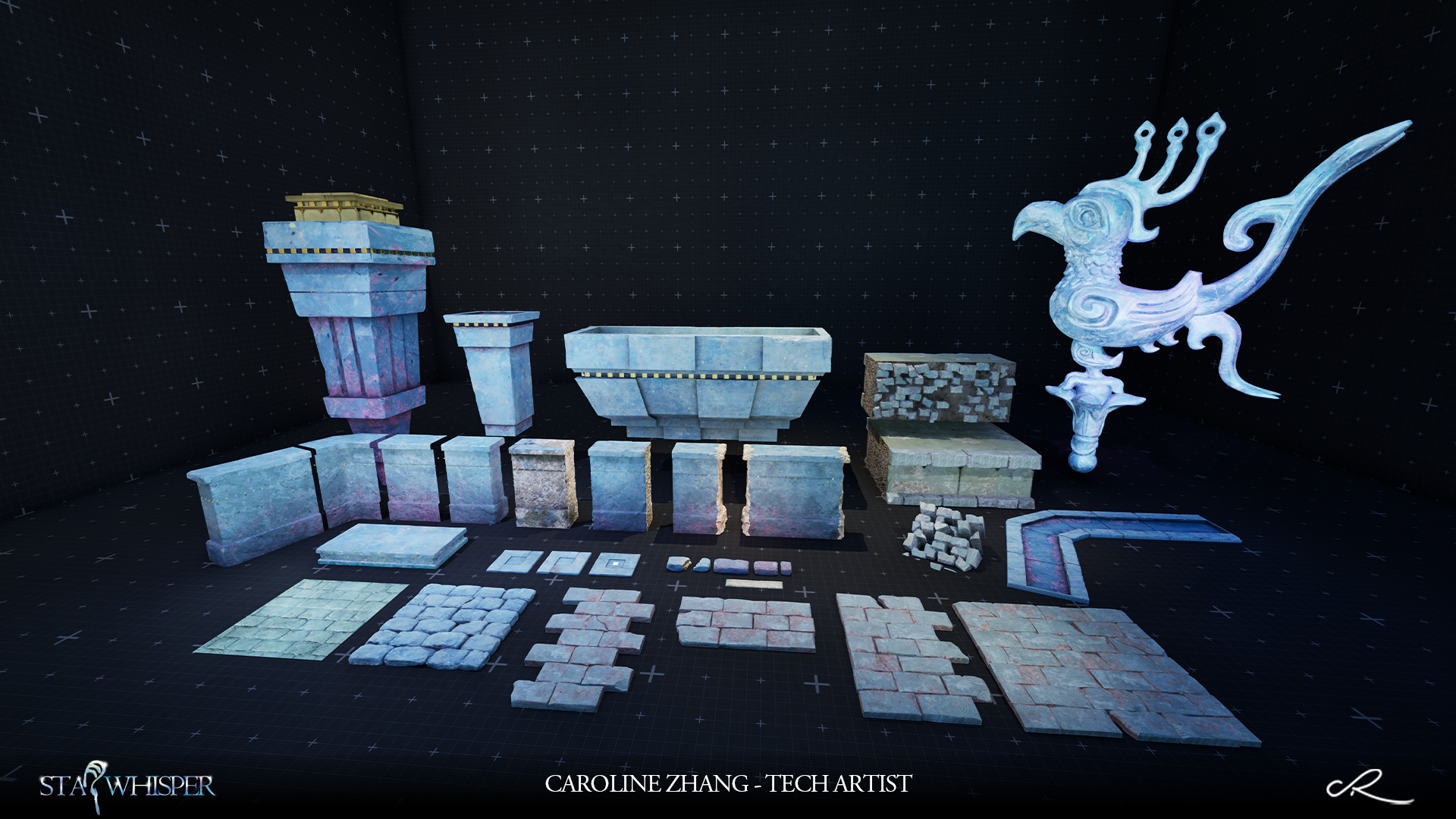
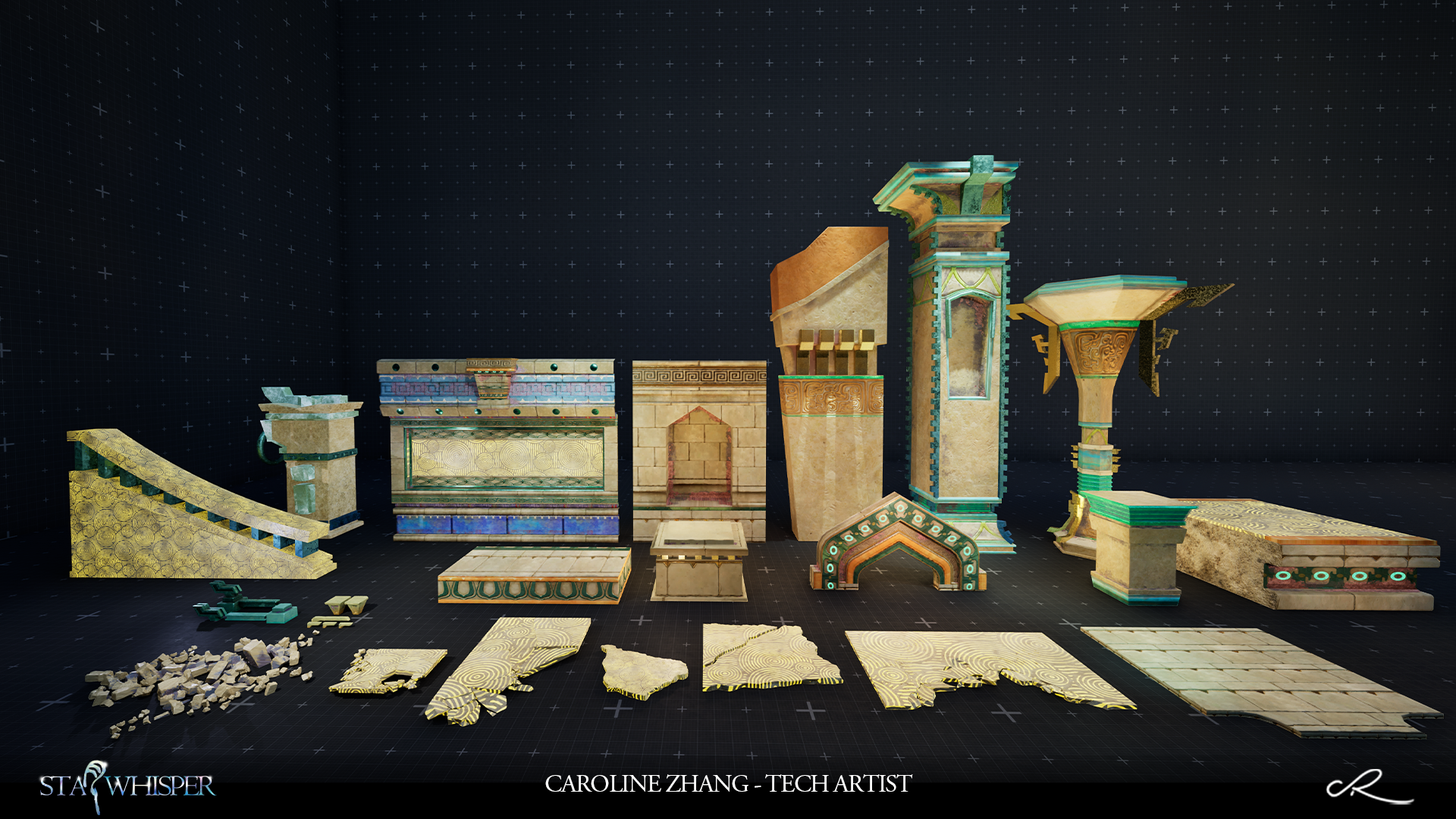
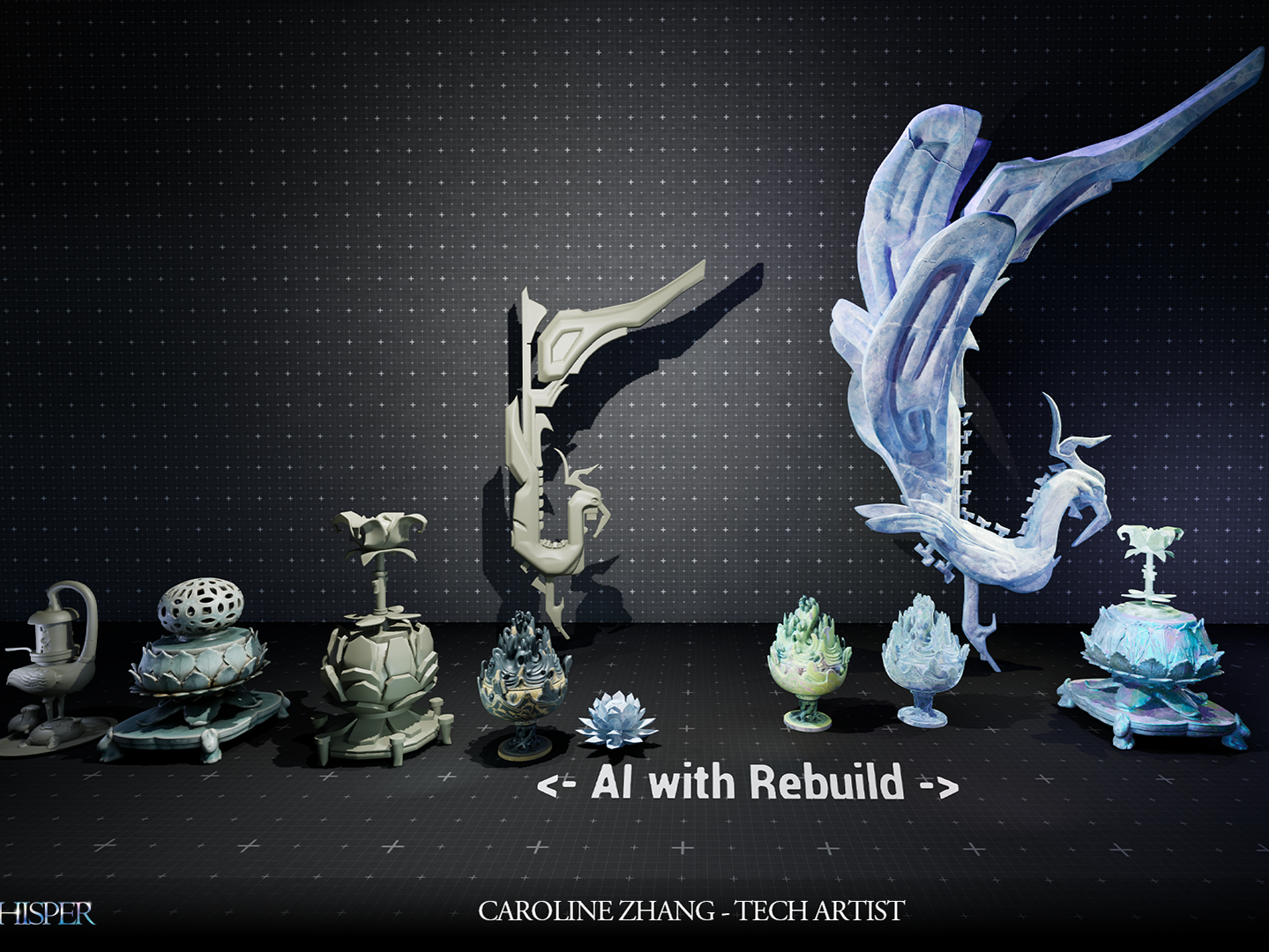
Textures Showcase
I handled all the textures and smart-materials(Layerd Material) in this project, and I’d love to walk you through the workflow I designed.
I focused a lot on reusability and efficiency, so I used Substance Designer throughout and created several smart nodes to turn textures into something more procedural and scalable.
I really love use smart way to solve the problem also save the time:)
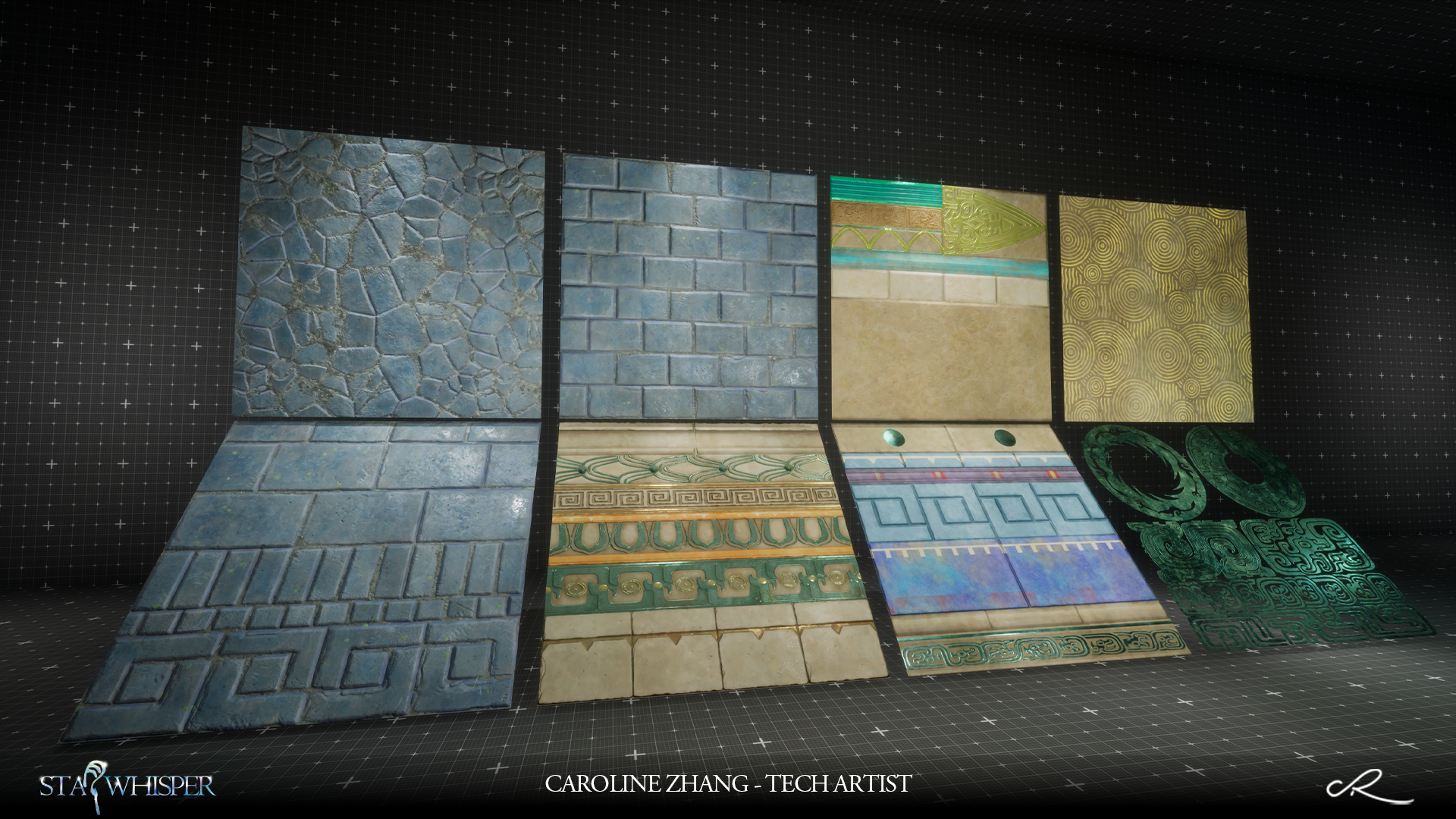
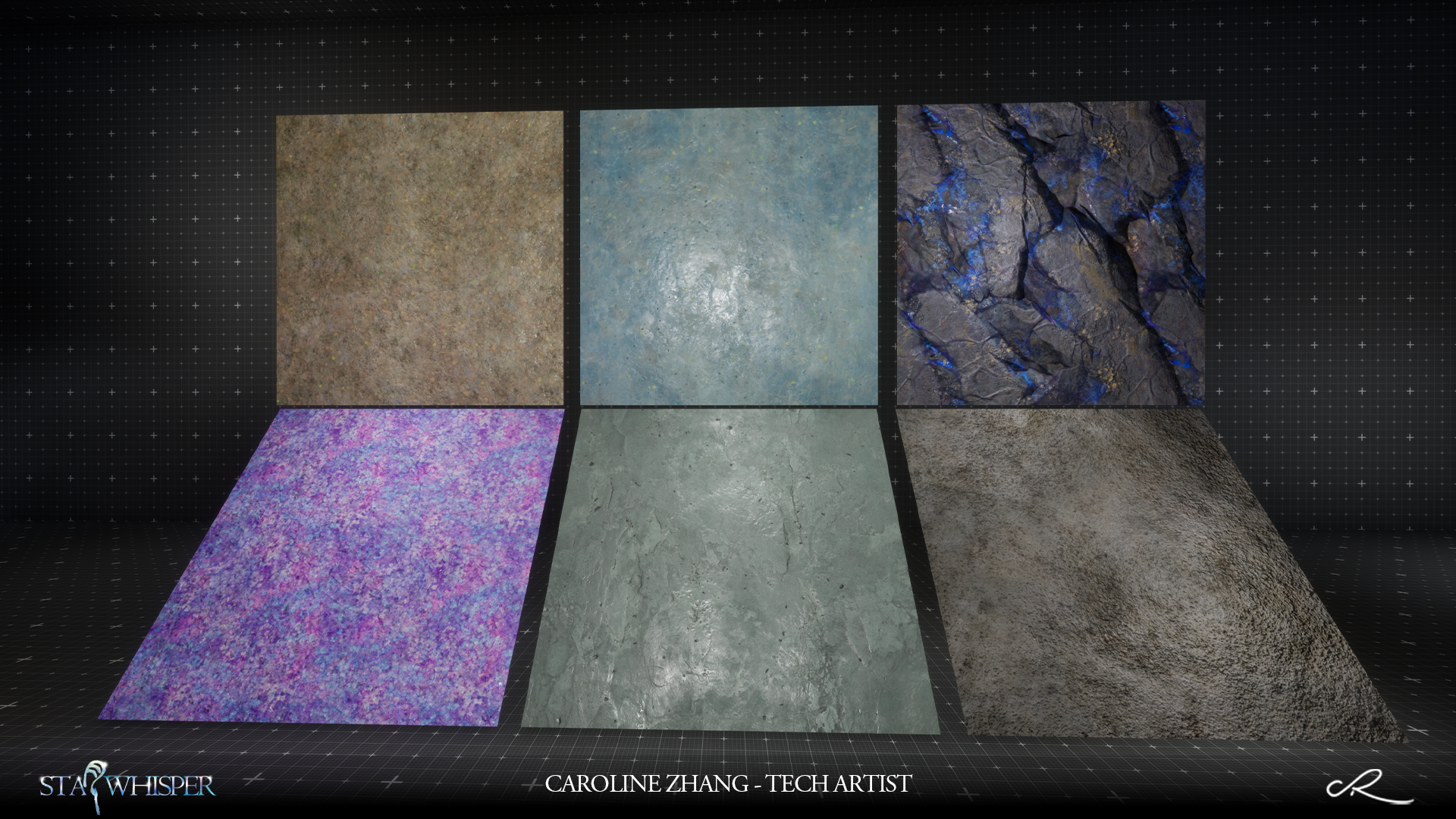
1 - Smart Workflow
The overall style of this project is slightly stylized, so to maintain textures consistency and visual harmony, I followed a tightly controlled texture production pipeline.
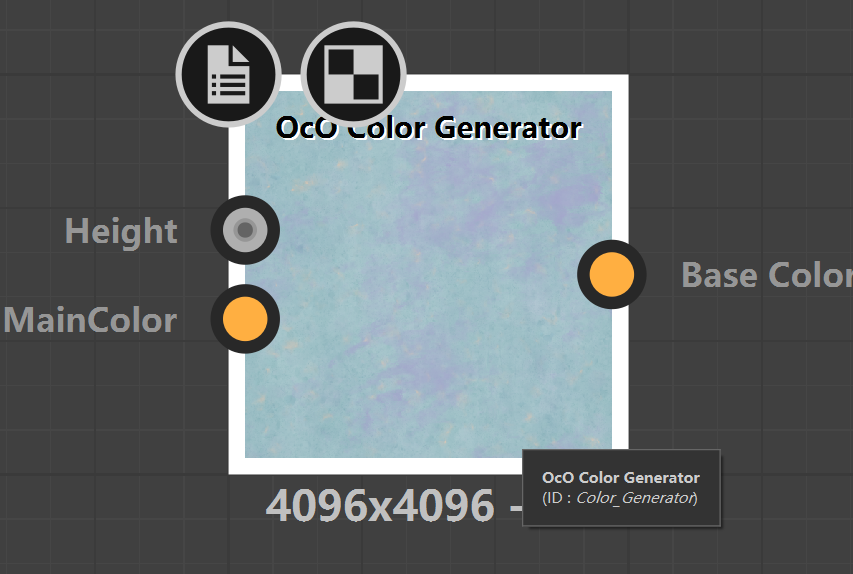
The BaseColor and Height maps were largely generated procedurally using custom smart nodes tool I made!
The Height generation tools logic was based on separating sculpted surface forms and frequency details.
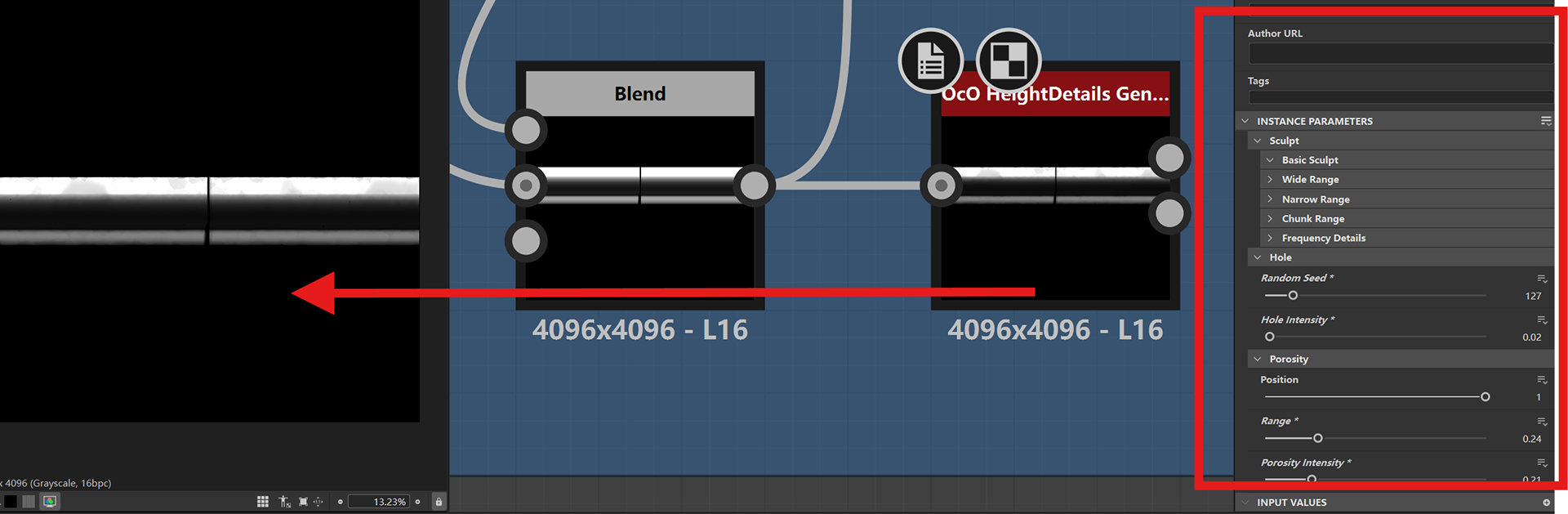
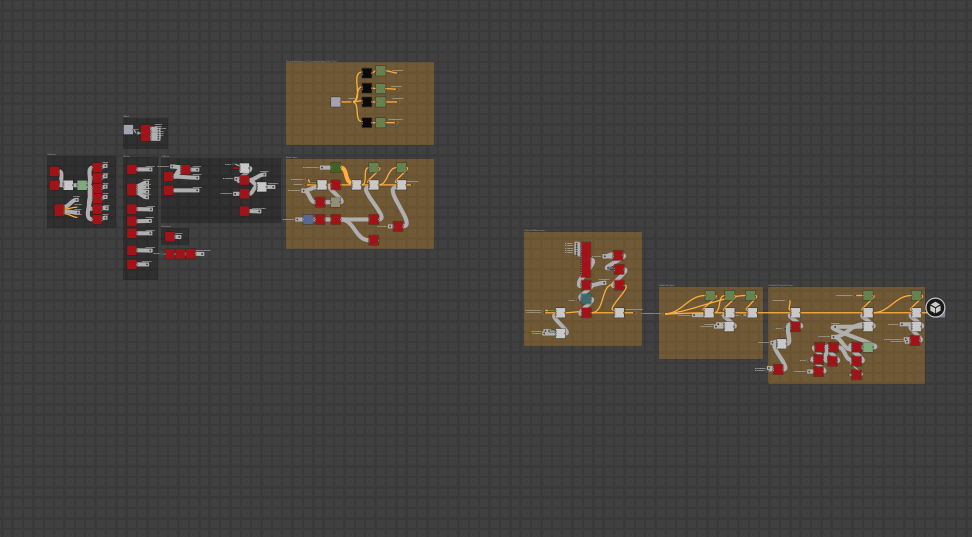
The BaseColor generation tools logic was based on my custom mask generation tool (Will talk about the details later) and frequency details (The 2nd is the inner graph for my custom Color Generator node).
2 - Fixed Source Textures Tool
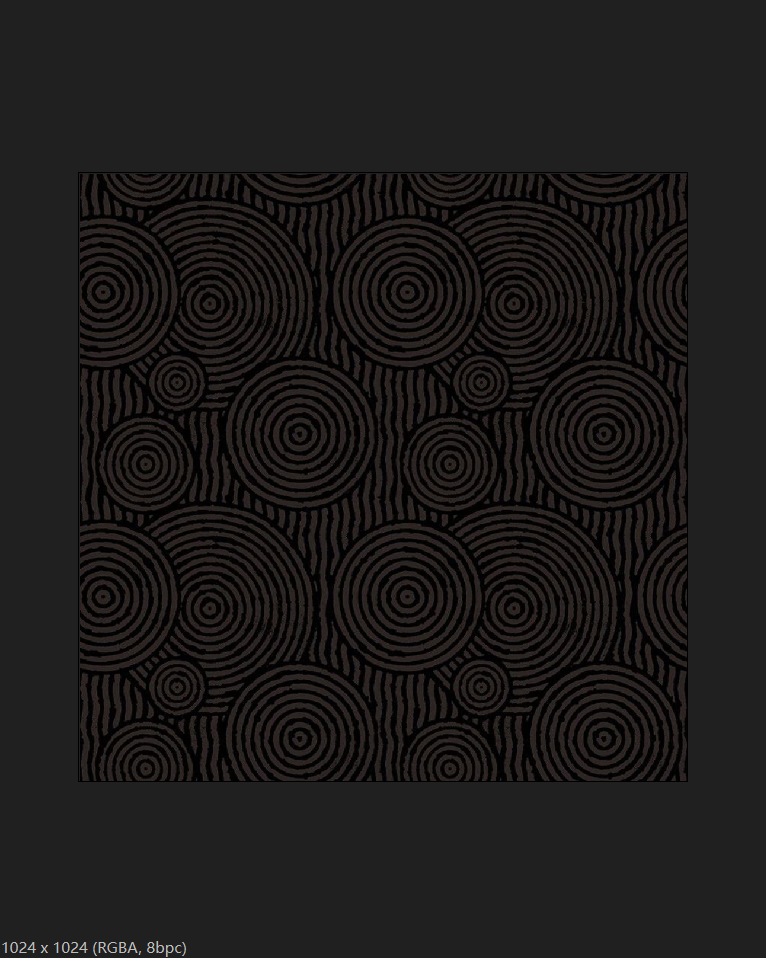
Some of traditional Chinese patterns I need to use, but the pics online I got are pretty worse. Due to that I developed the smart convert source textures node to optimzed them. Before & After see below.
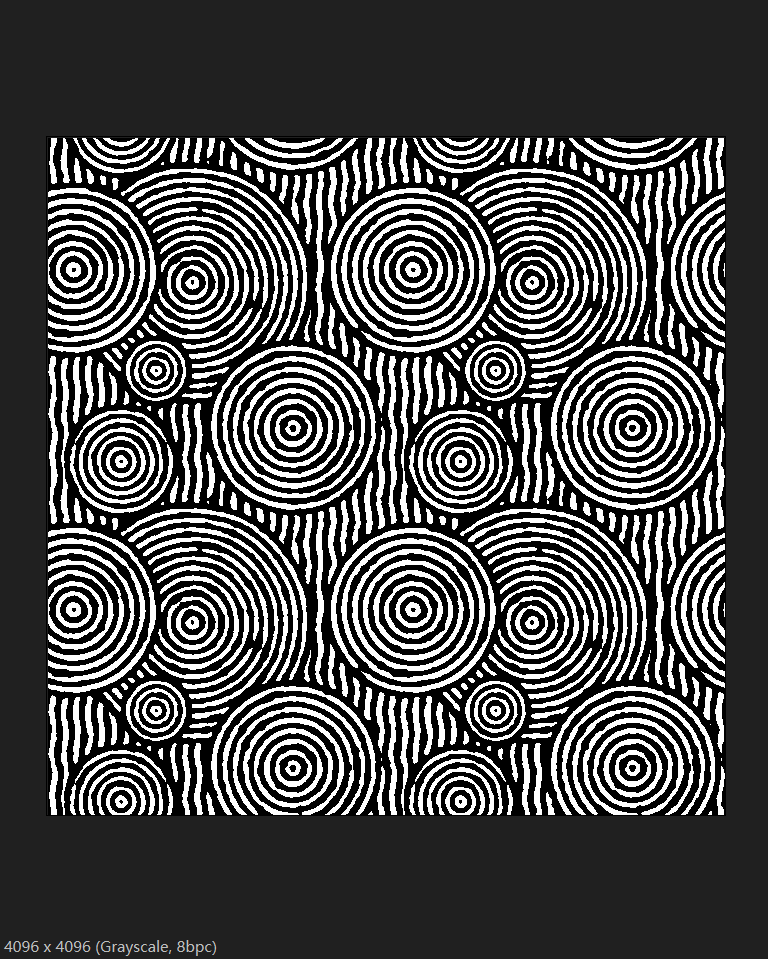
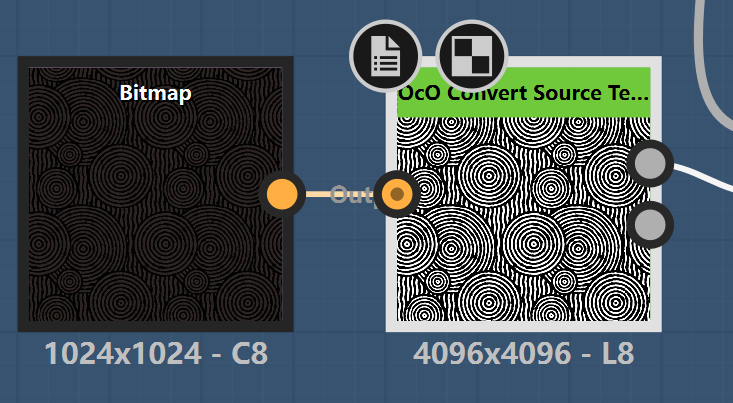
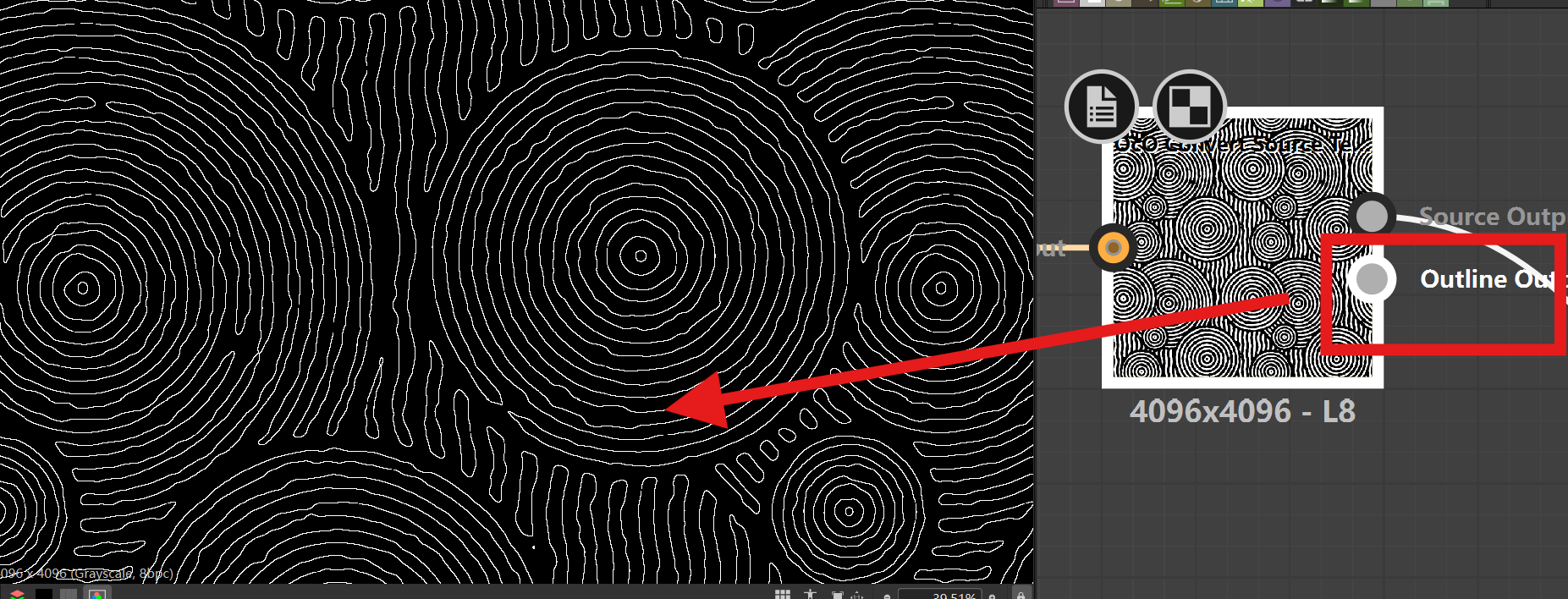
The edge mask is a critical part of my workflow.
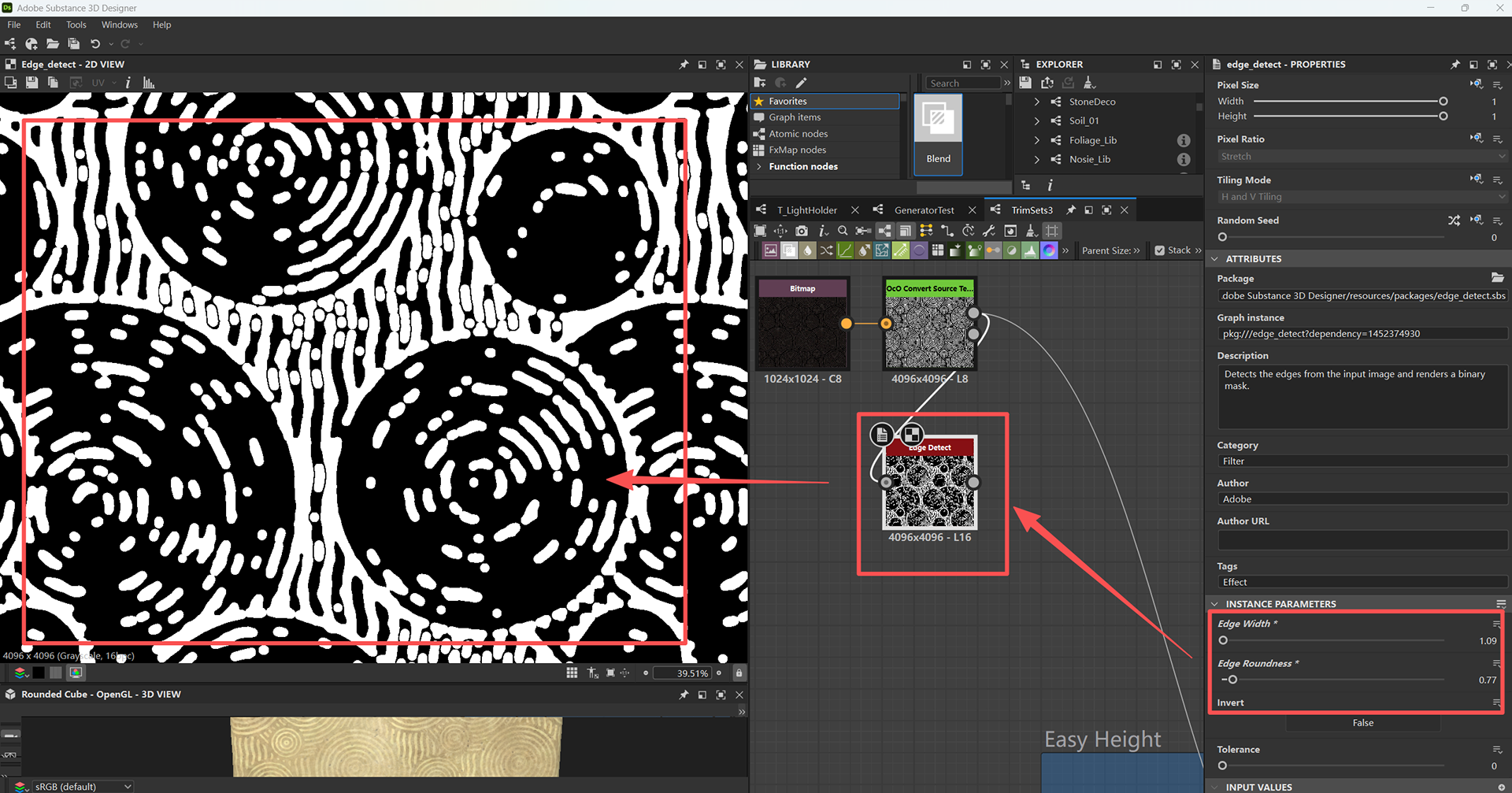
I tried using the built-in edge detect nodes at first, but even after reducing the edge width, the result was still too harsh and unstable (The 1st image below).
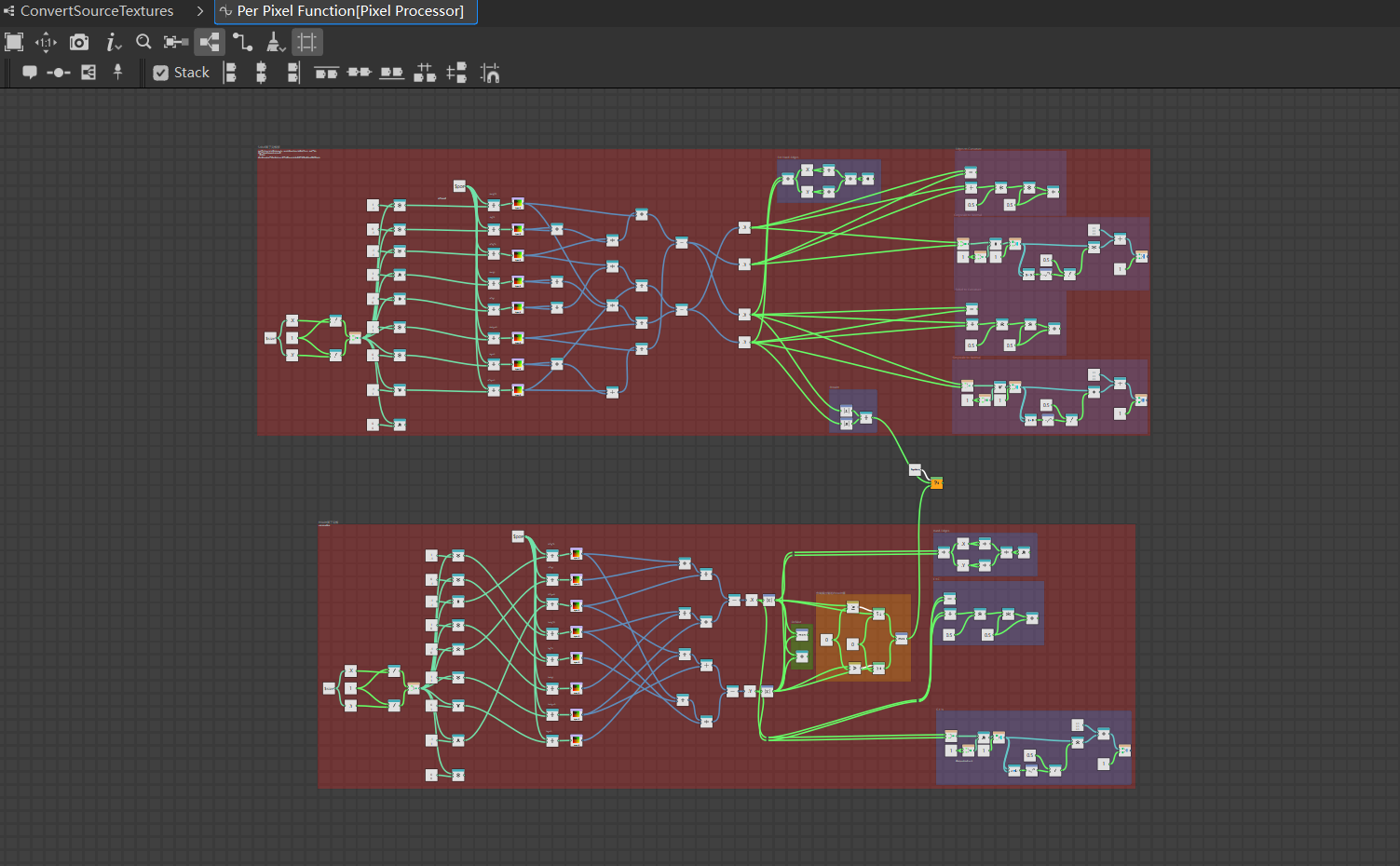
To fix this, I built a custom solution in the Pixel Processor, combining Sobel and Prewitt operators to get cleaner and more controllable edge information.
3 - Mask Generator Tool
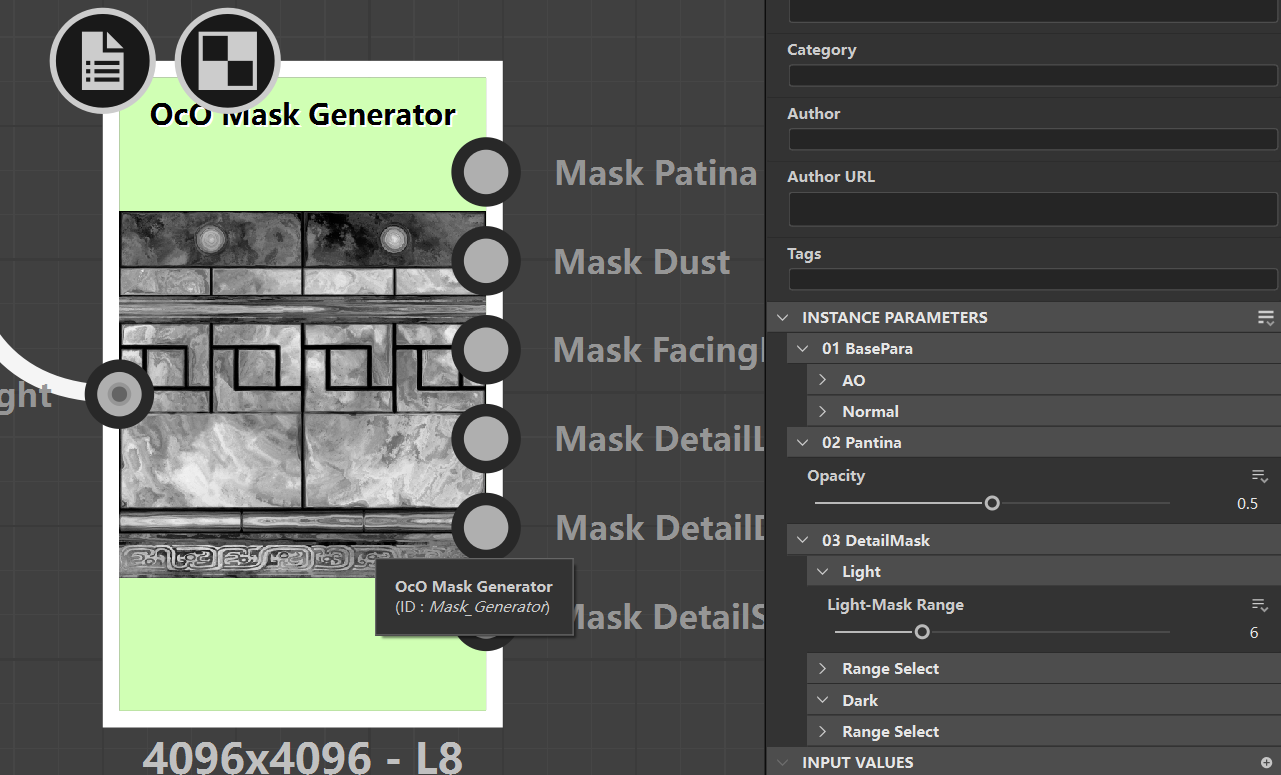
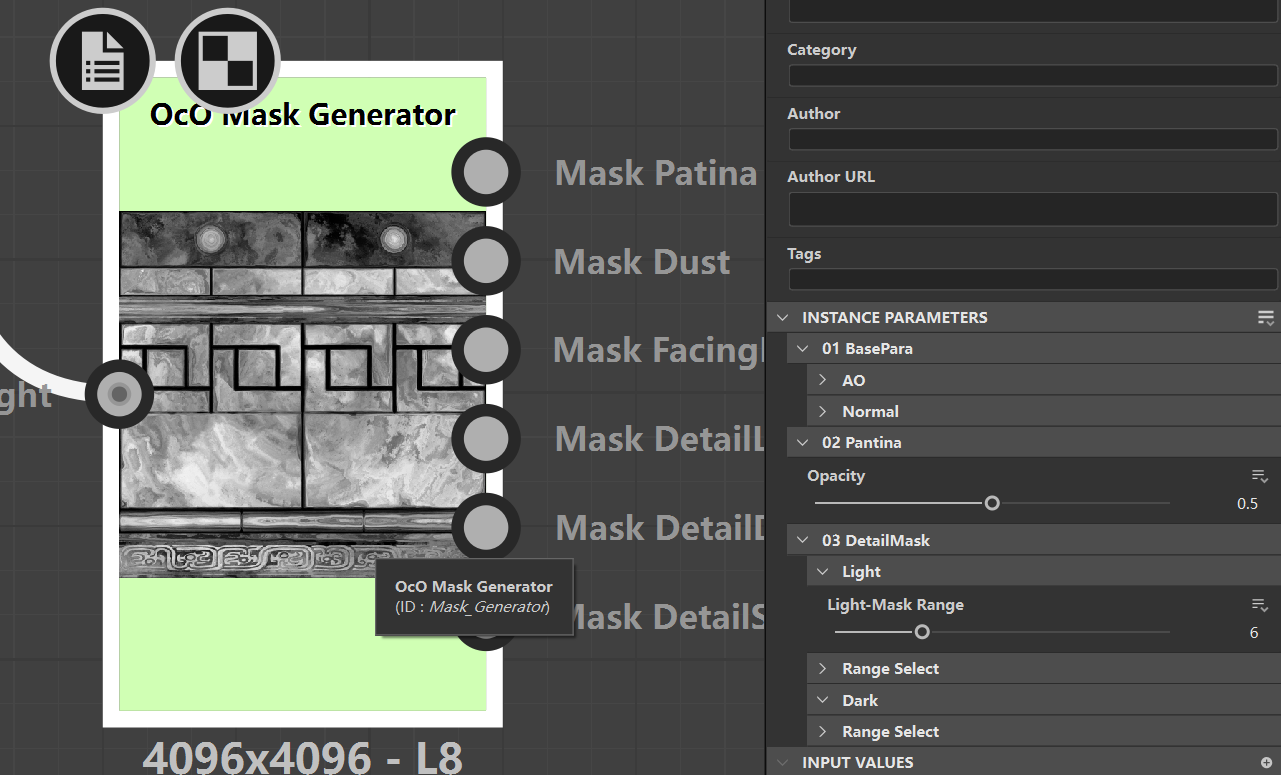
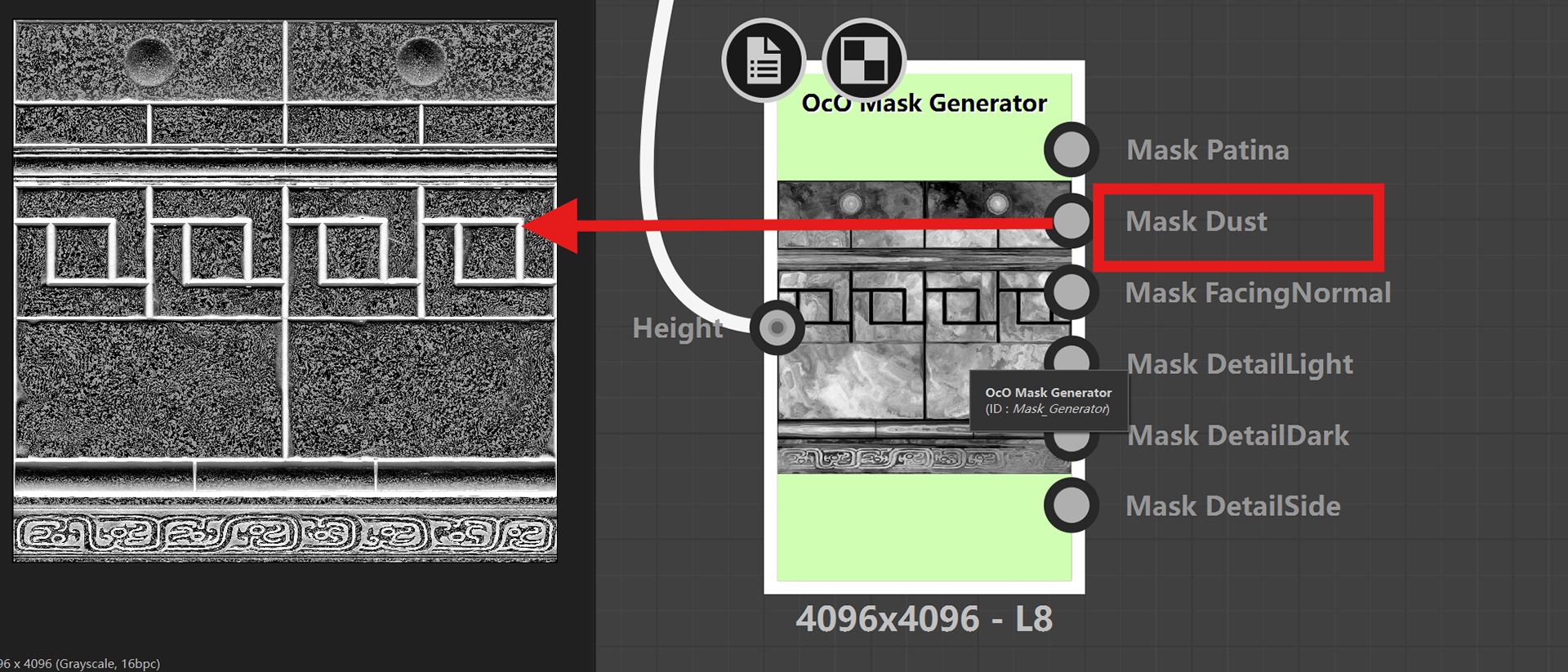
Too many basic mask like Dust, also some light and dark side mask are based from Height map.
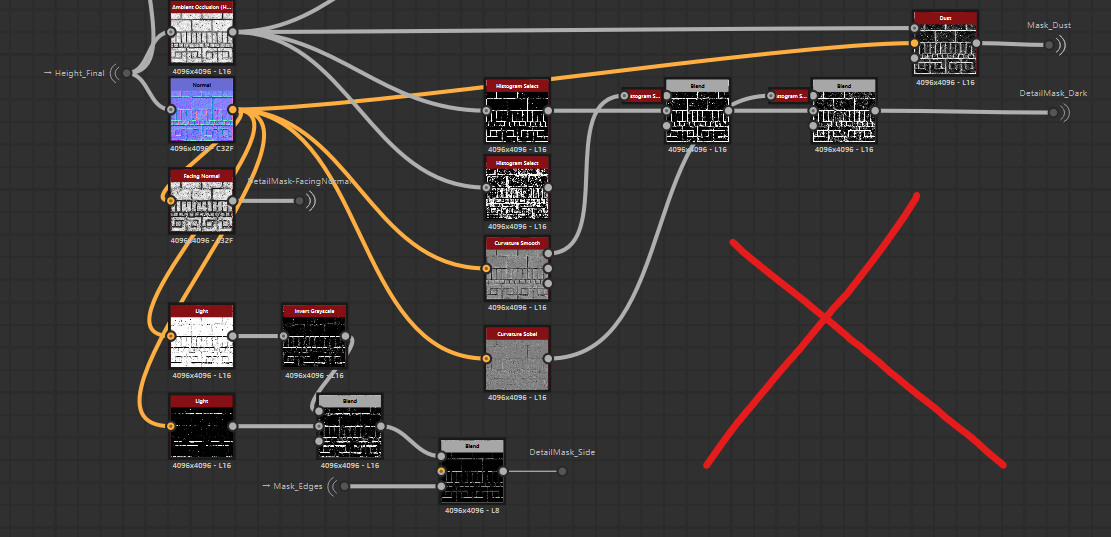
Tradition way (The 3rd image below) are so long also the parameters are uncontrolled. To optimzed this workflow, I designed this generator, which can easily also fast output the basic mask.
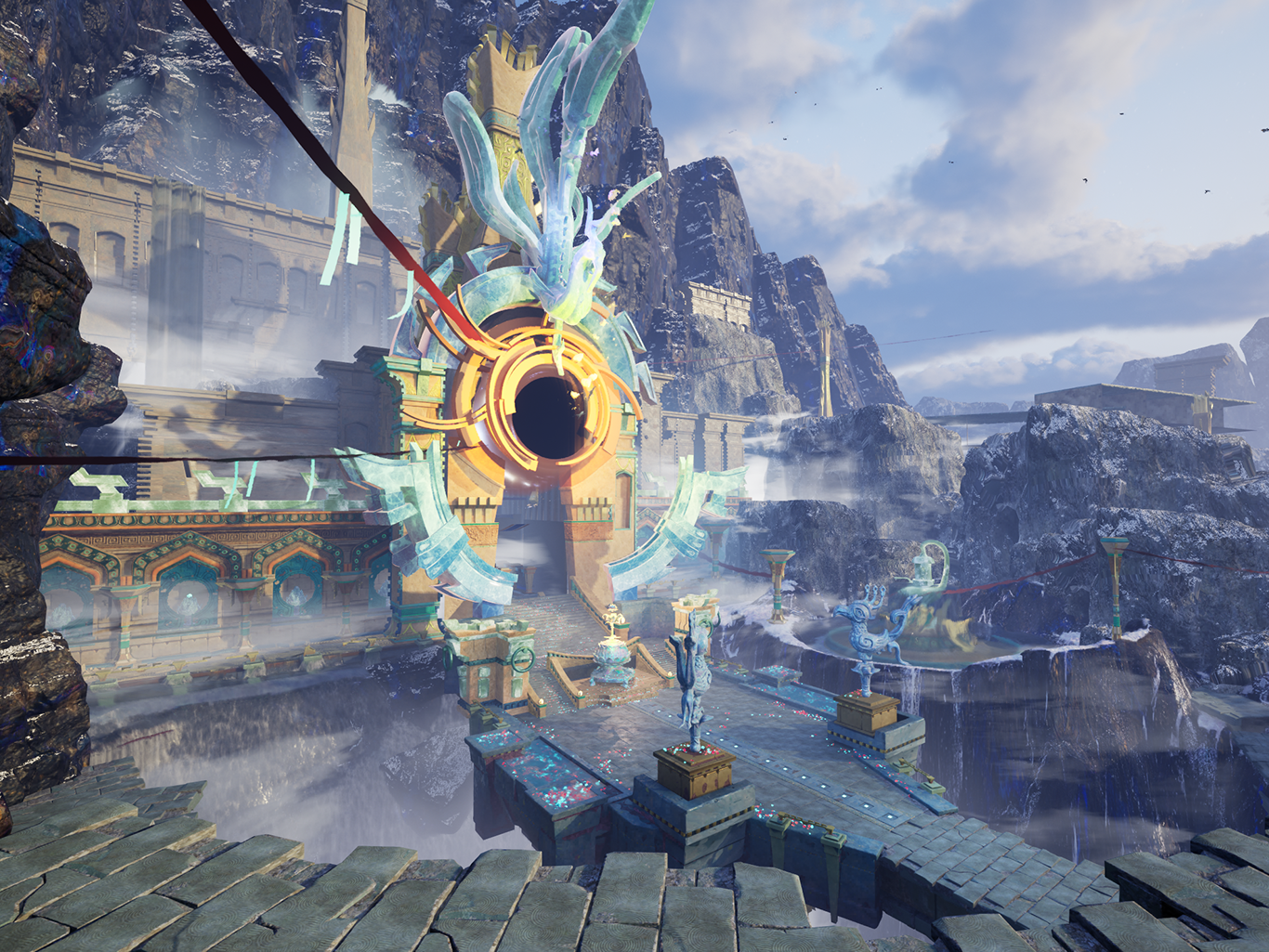
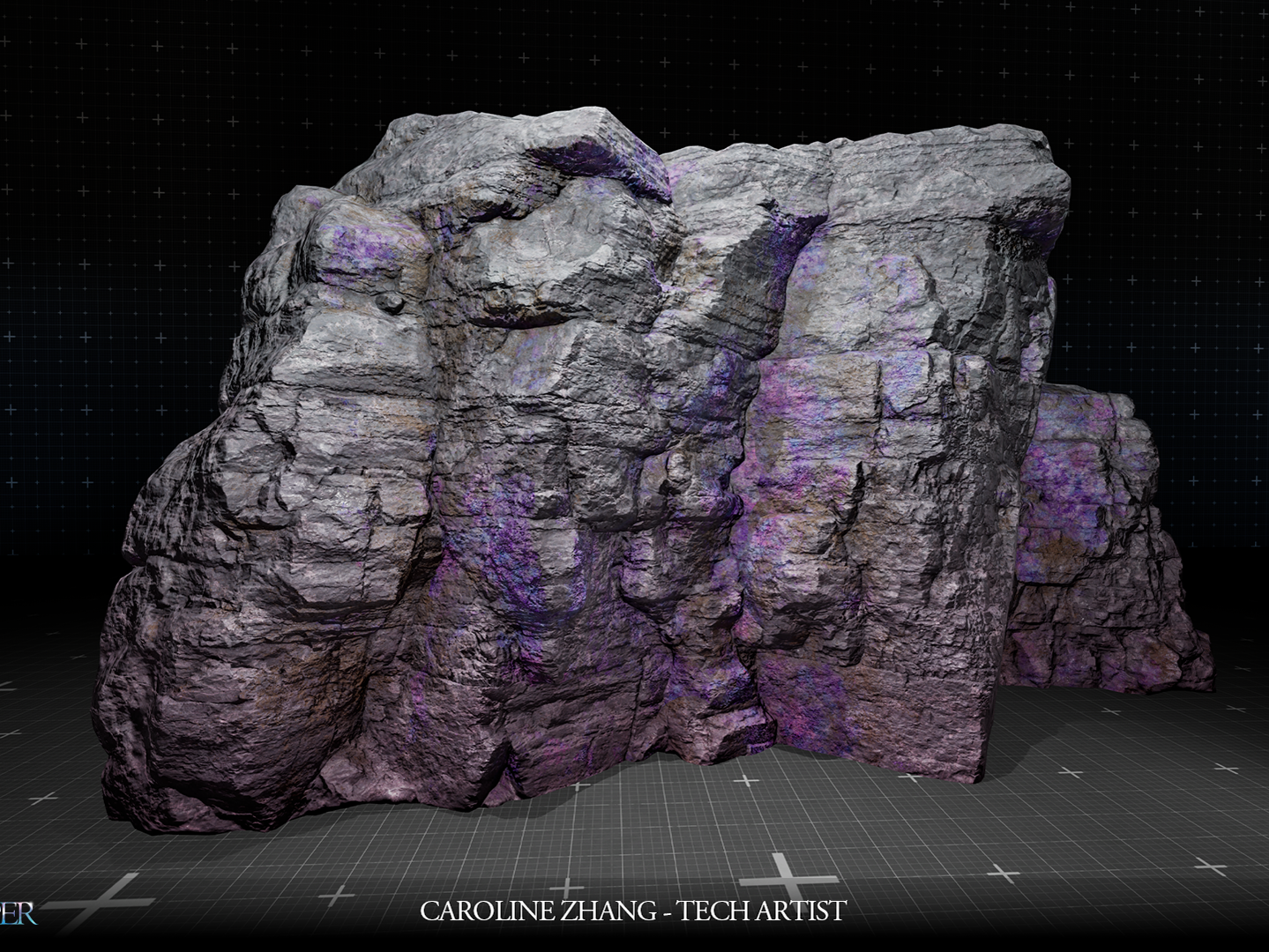
Textures Showcase in Real Assets