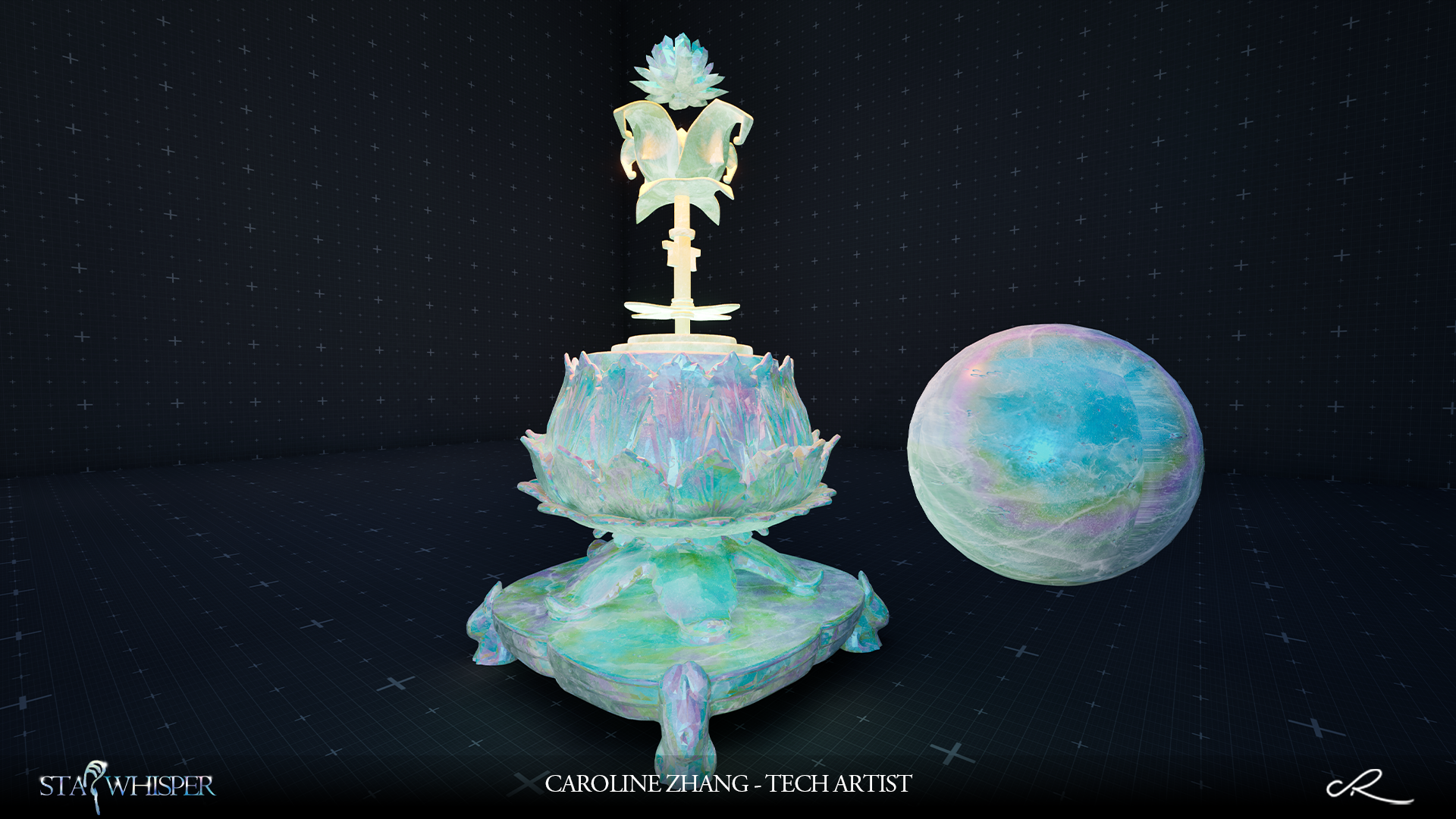
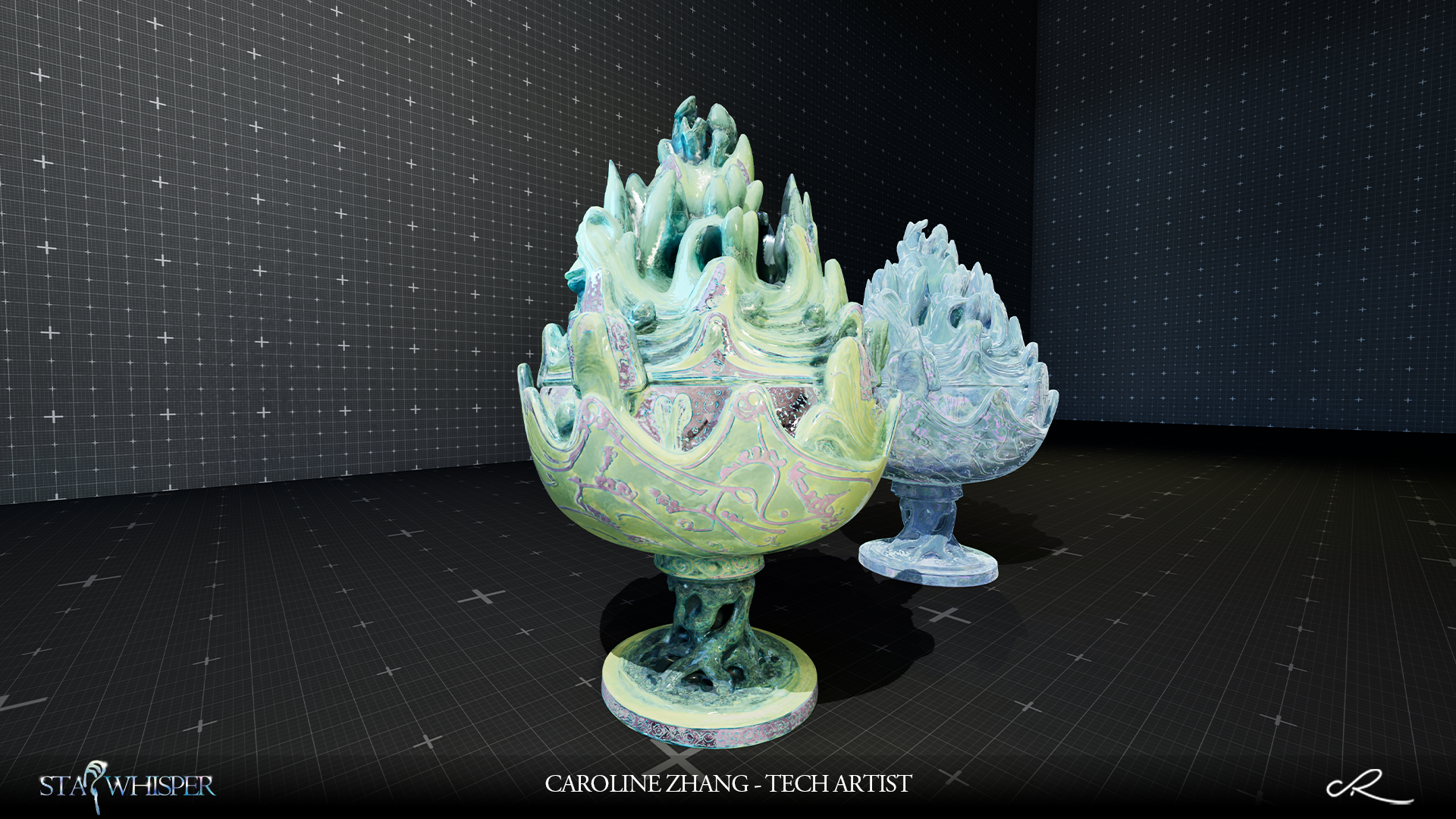
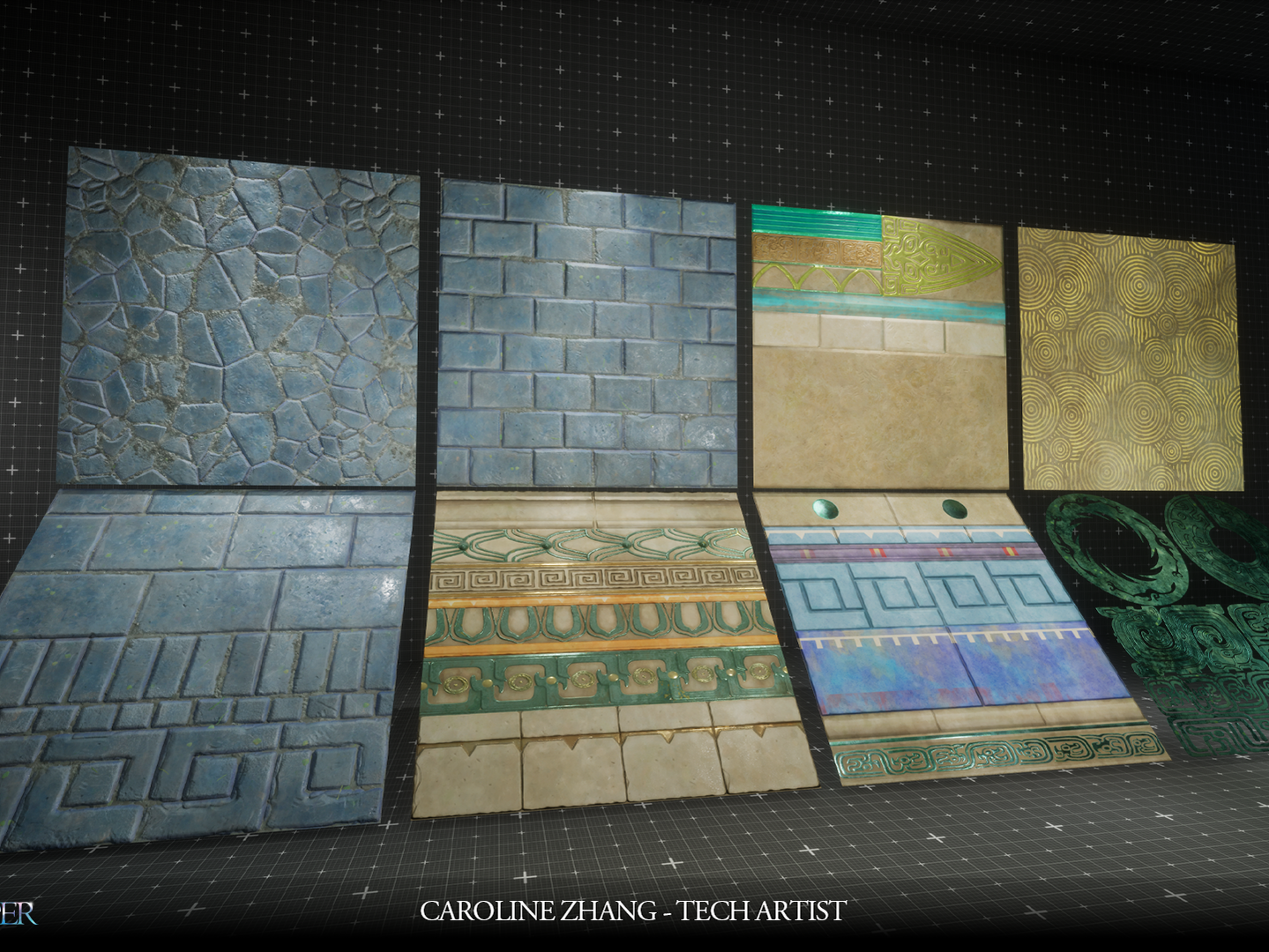
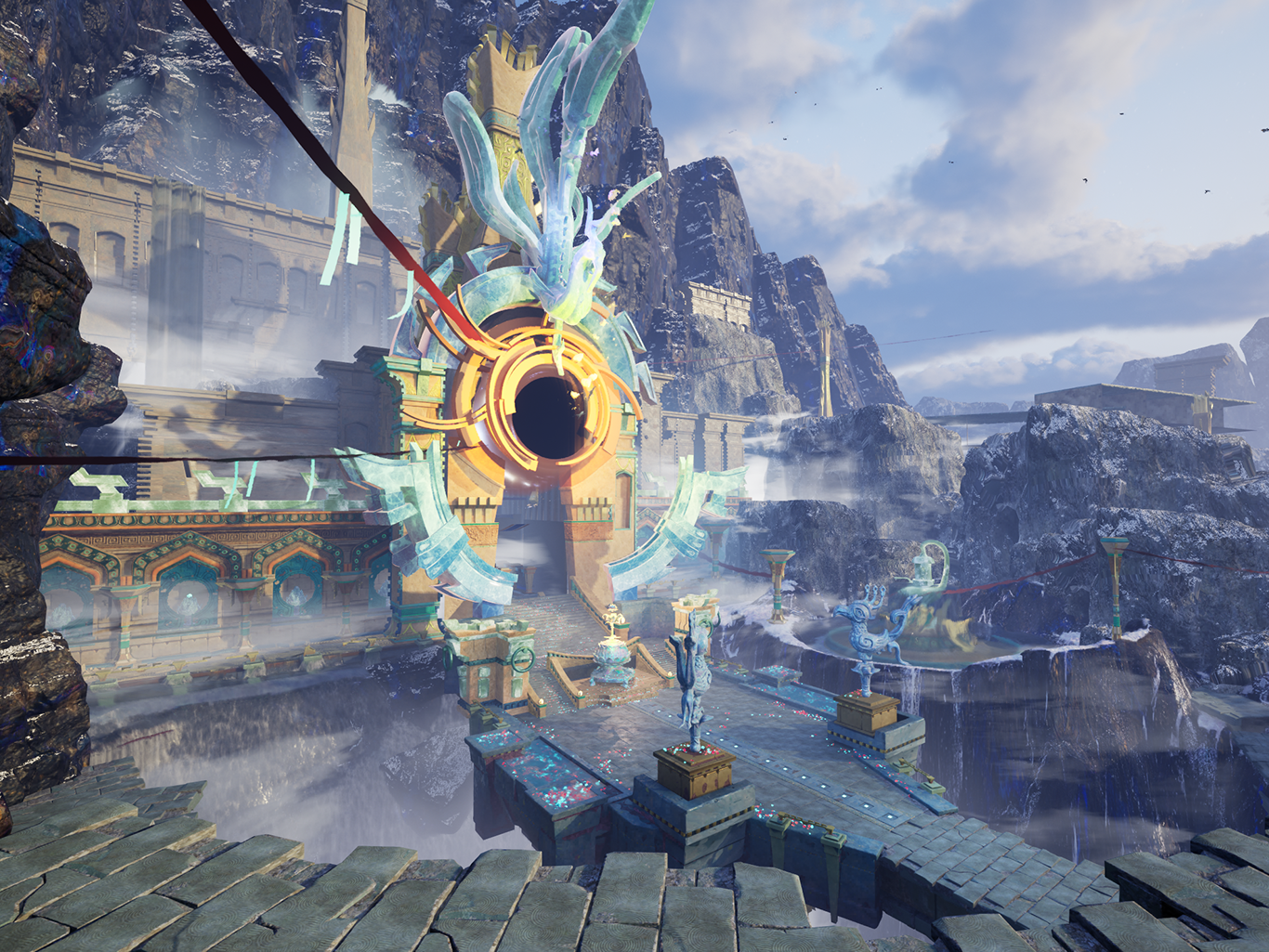
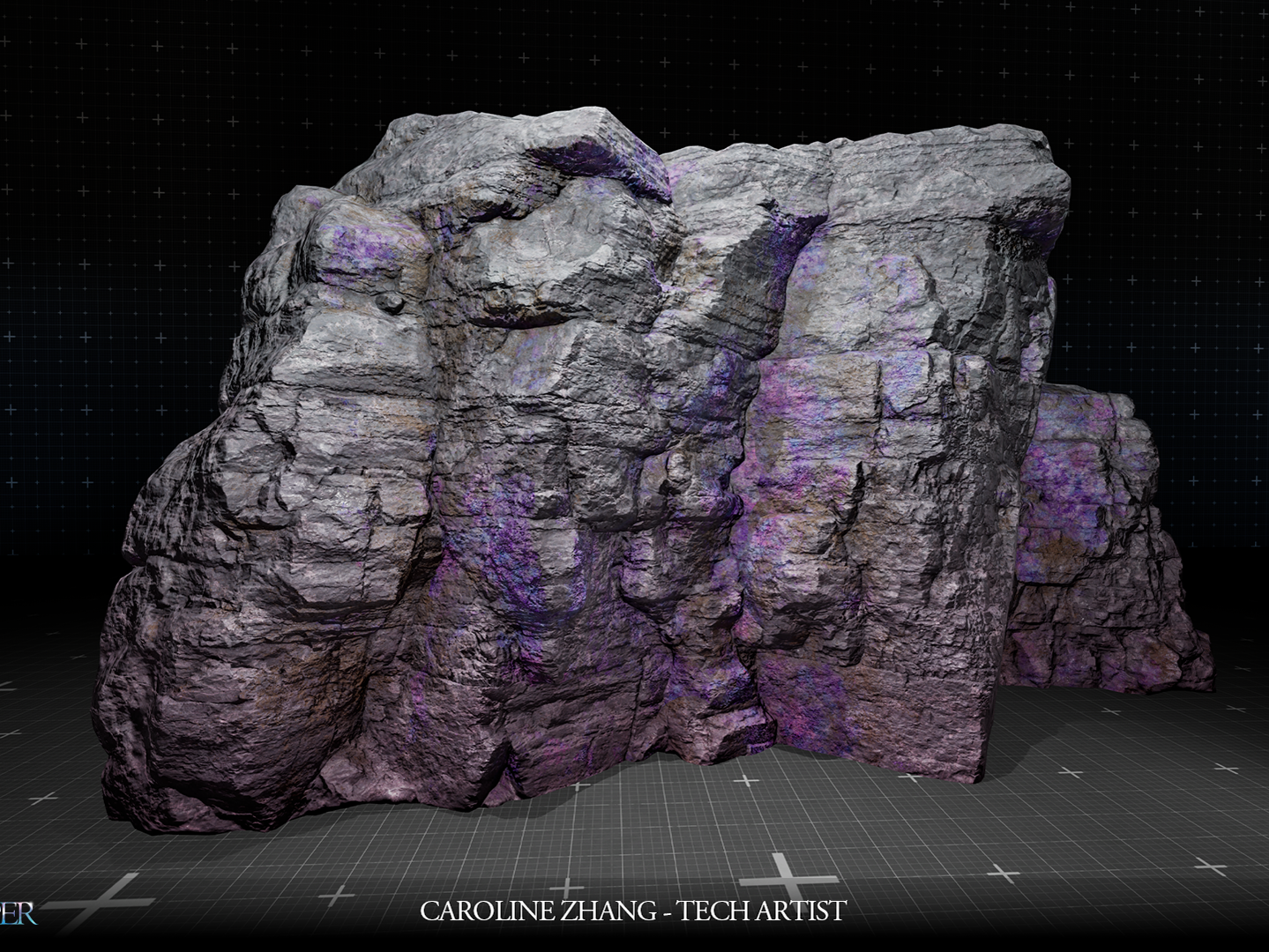
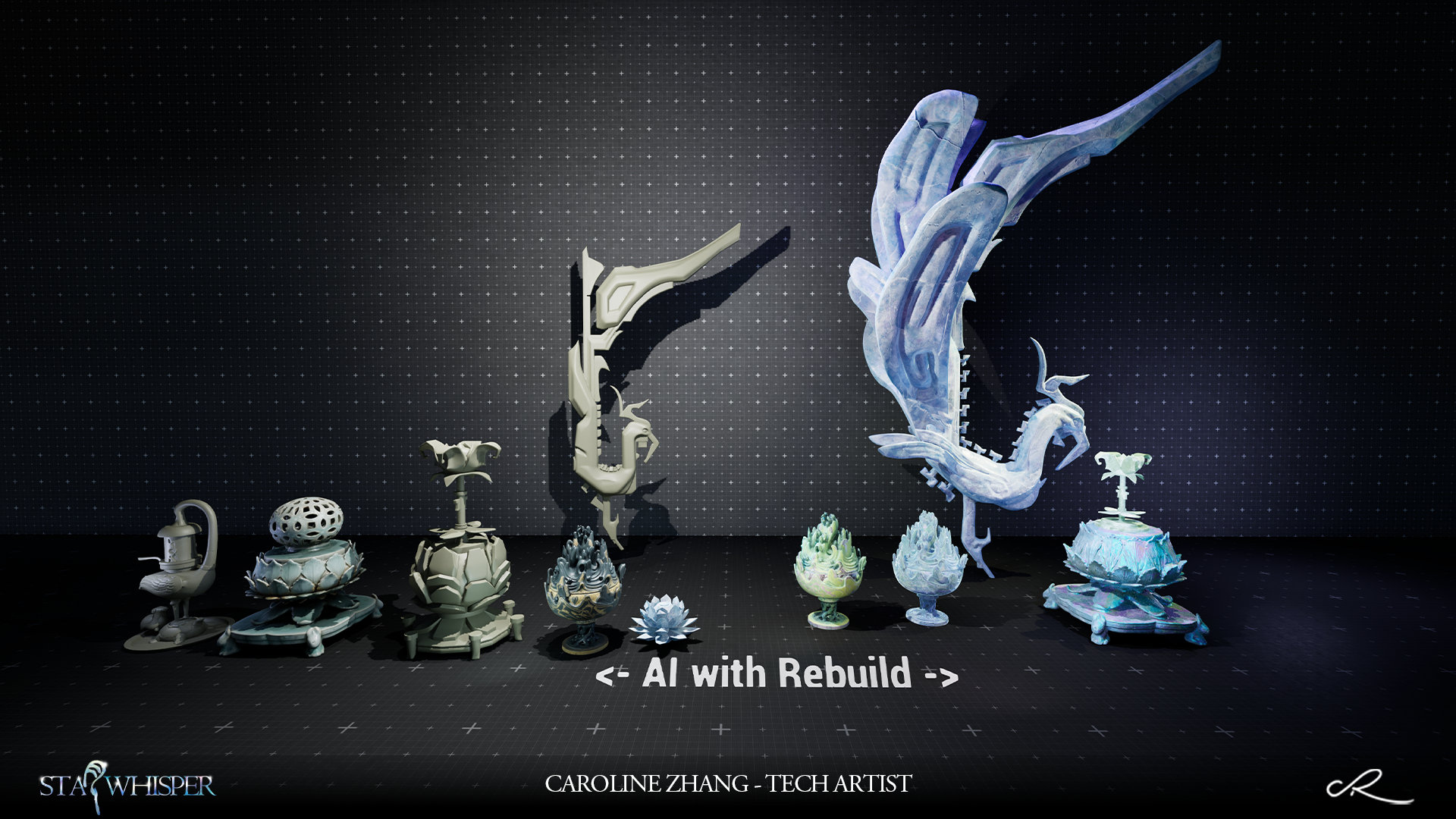
To save the production time, some of assets are generated by AI. I use Nano generate concept art, mesh generated by Rodin & Meshy.
For mesh are revised in Zbrush also Maya.
For textrues are revised in Substance Designer. I also deisgned smart tool for AI generated textures.
AI Textures Issues
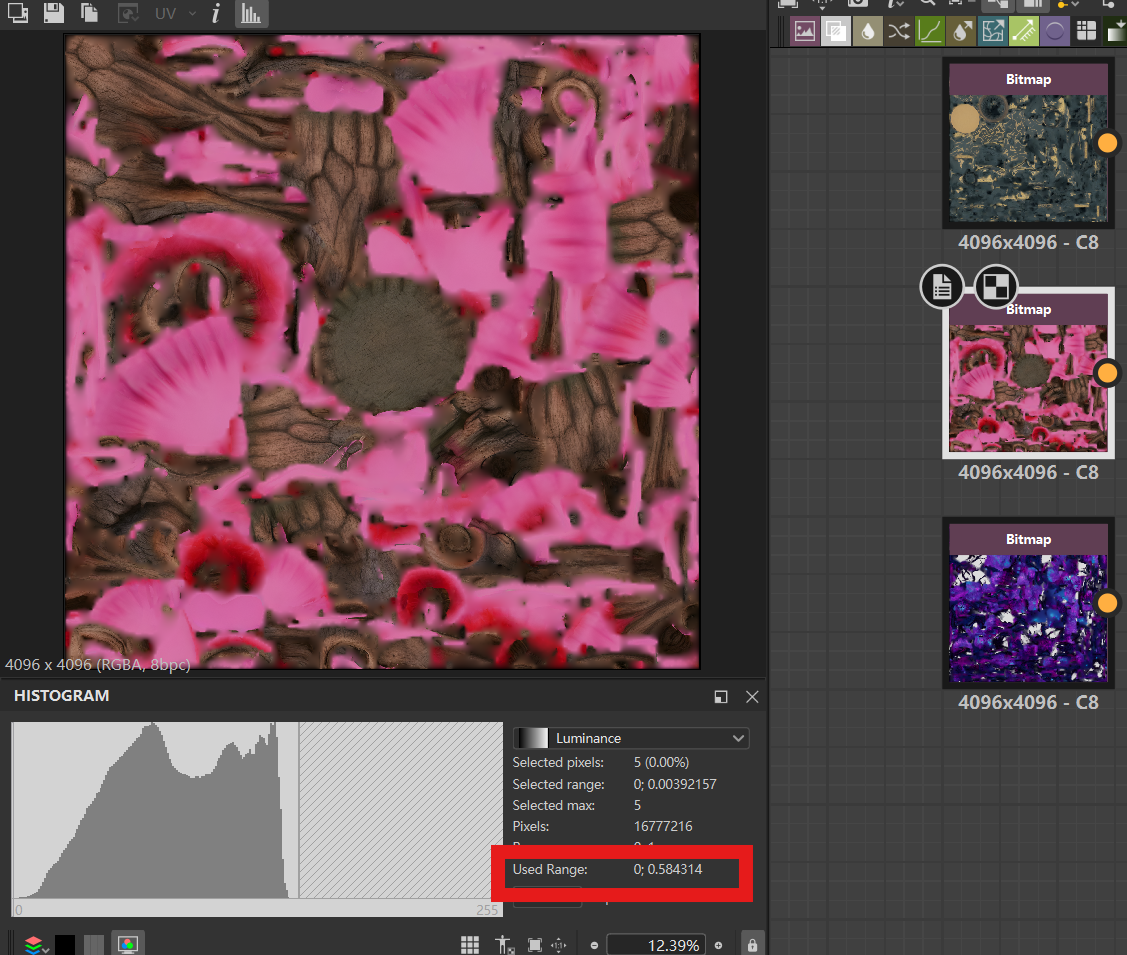
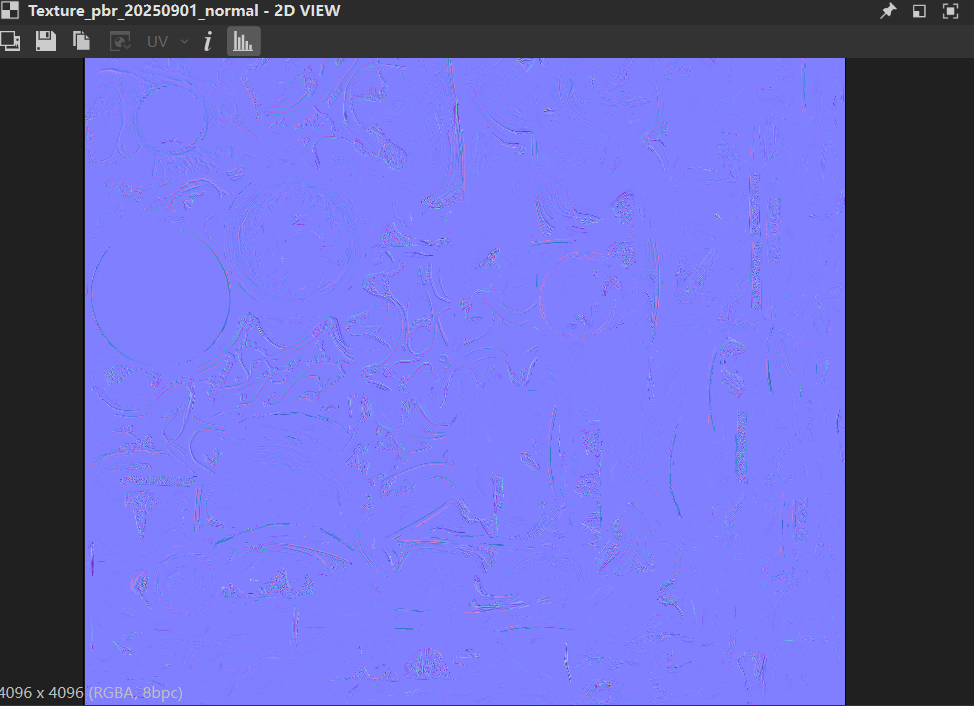
The quality of AI textures are based from sources. Some sources didn't suit for PBR standard. See below are the textures from AI:
For BaseColor, some value are nearly in "0"
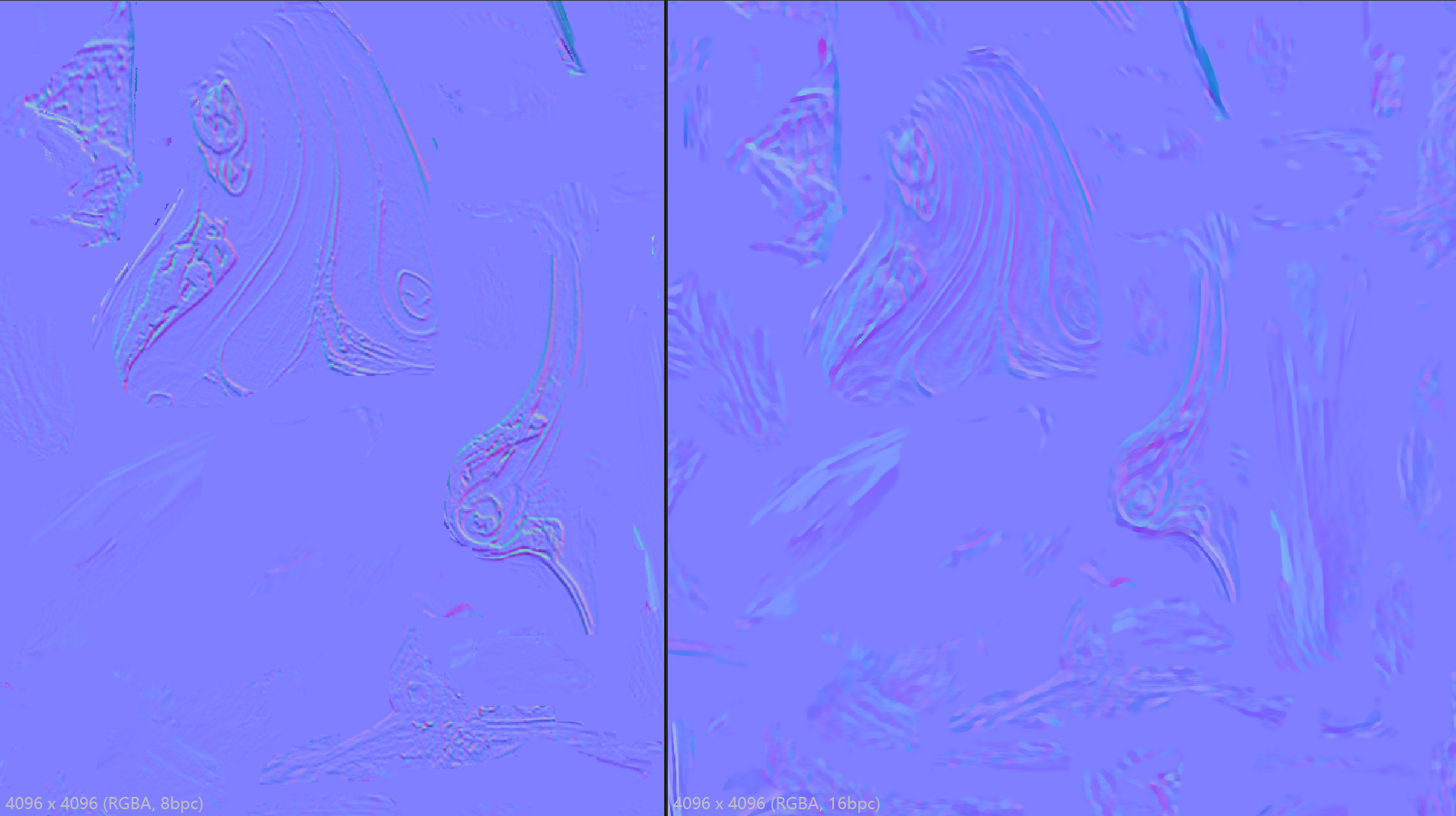
For Normal, oh that's really the worst part for production pipeline.
Cuz for thoses issues, I developed smart tools to fix them. I will split by two part to intro my tools: 1 for prepartions, 1 for key points in fixed process.
1- Preparations
Height map really a helpful friend to Normal, Roughness etc...
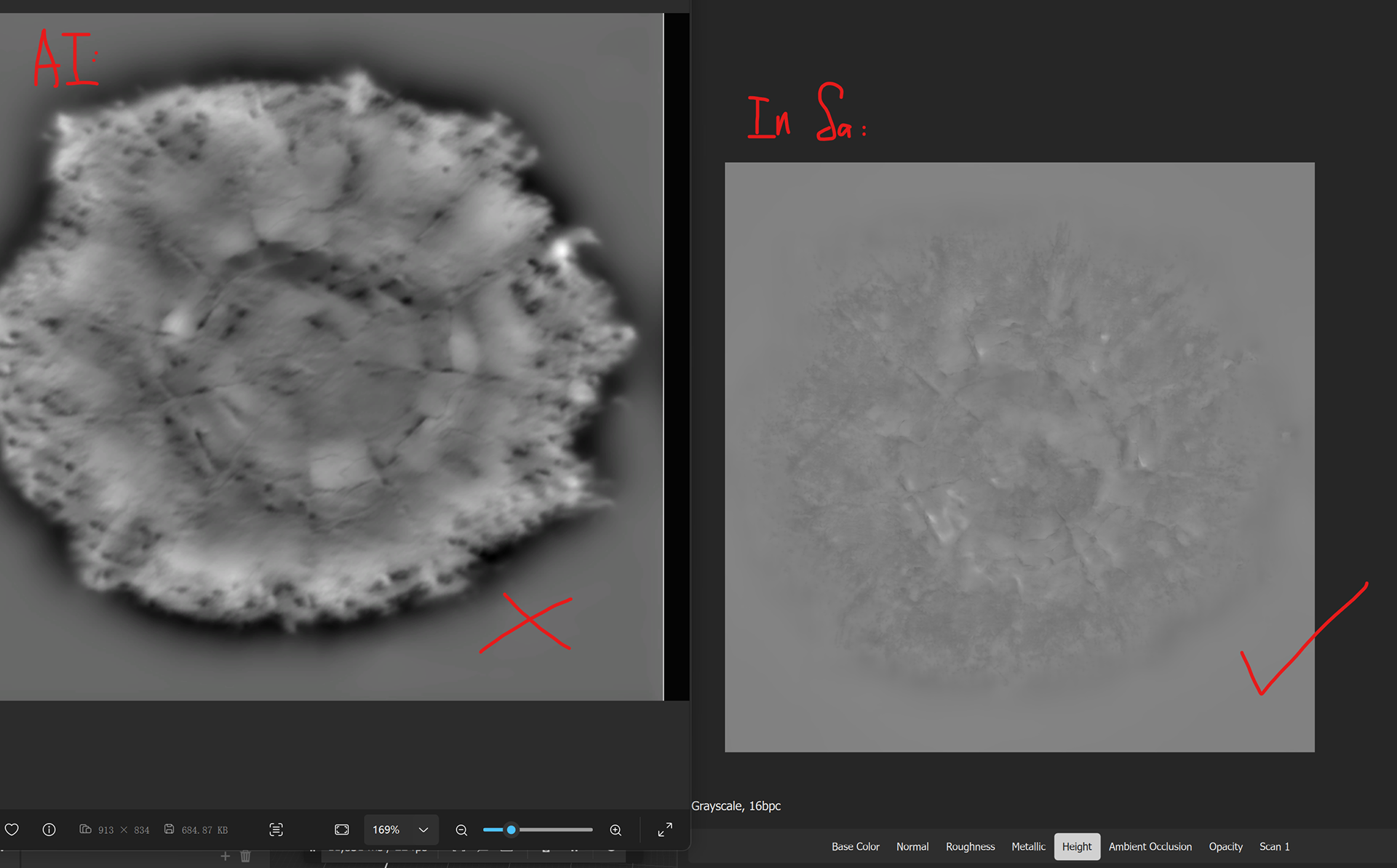
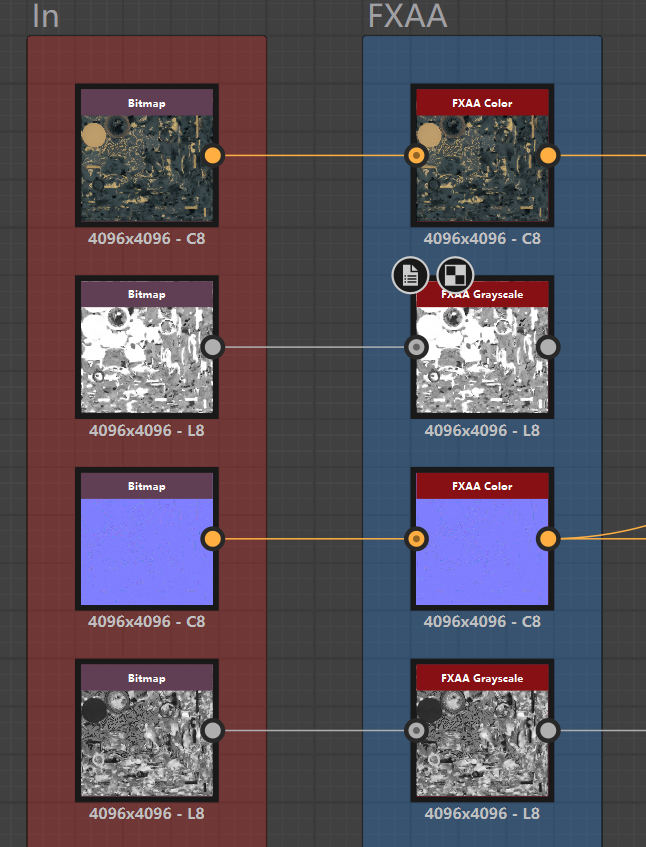
I put the BaseColor from AI in Substance Sampler to generated the correctly height map (See the 1st below). Cuz AI one are mostly worst. For other series textures generted by AI, I use FXAA node in Substance Designer.
2- Key Points for Fixed
Basecolor revised just followed by PBR standard.
For Roughness/AO are rebuild followed from the Height map which I generated in Substance Sampler. And then use the mask generator I did for material details response.
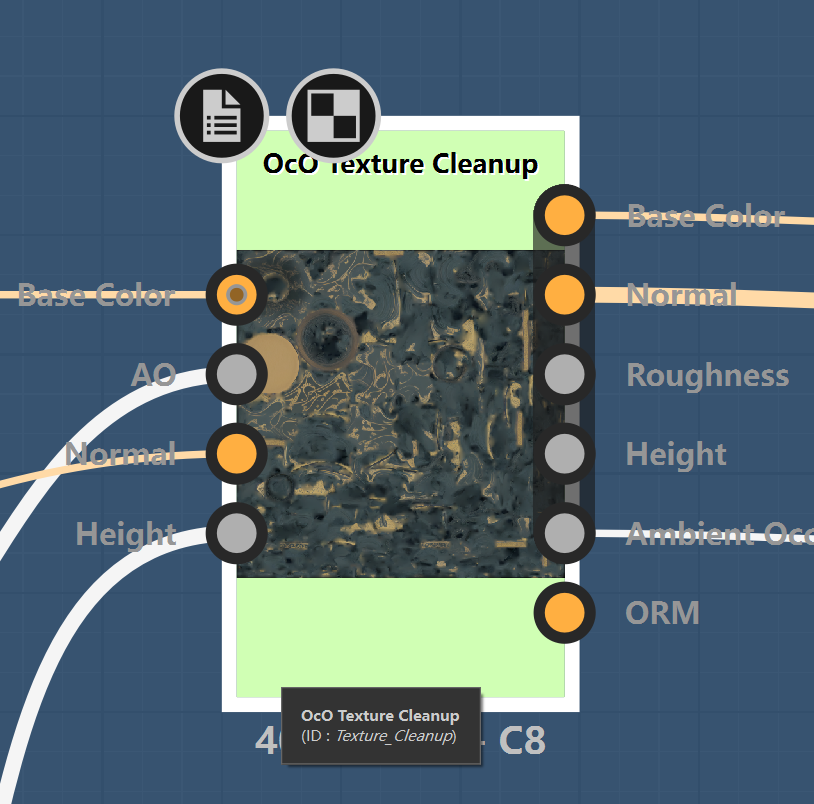
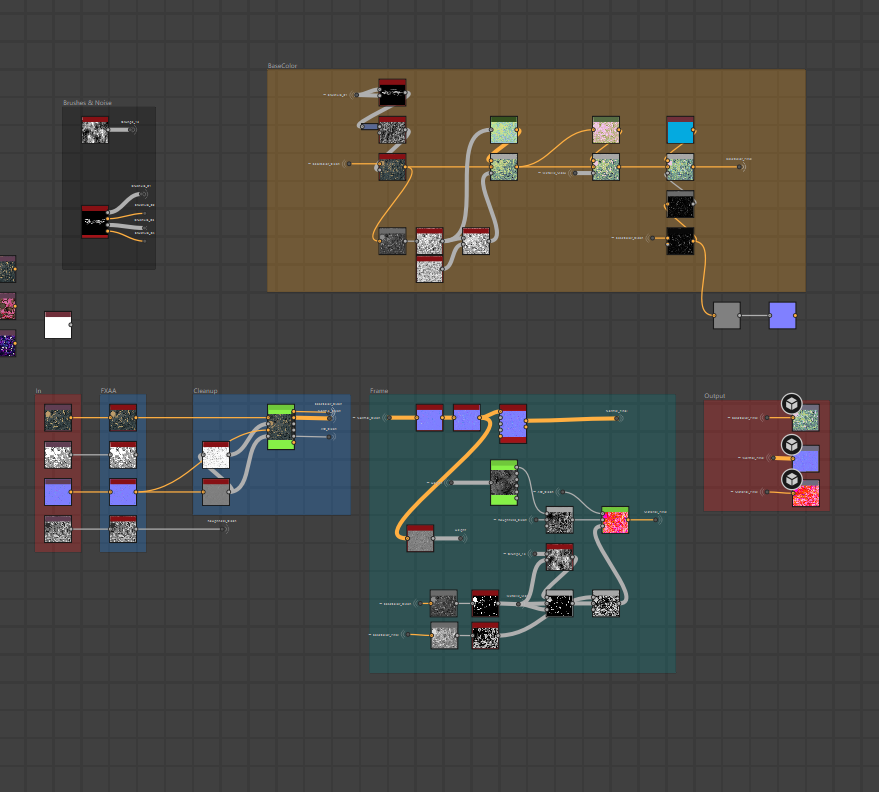
Cuz my whole environments are slightly stylized. So the Normal rebuild are difference than others. I use Anisotrpoic Kuwahara and MLV way to fix normal artifacts. And use Kuwahara re-stylized the Normal.
You can see below about the Before & After.
After textures & shader rebuild.