1- Thin Film Interference Shader
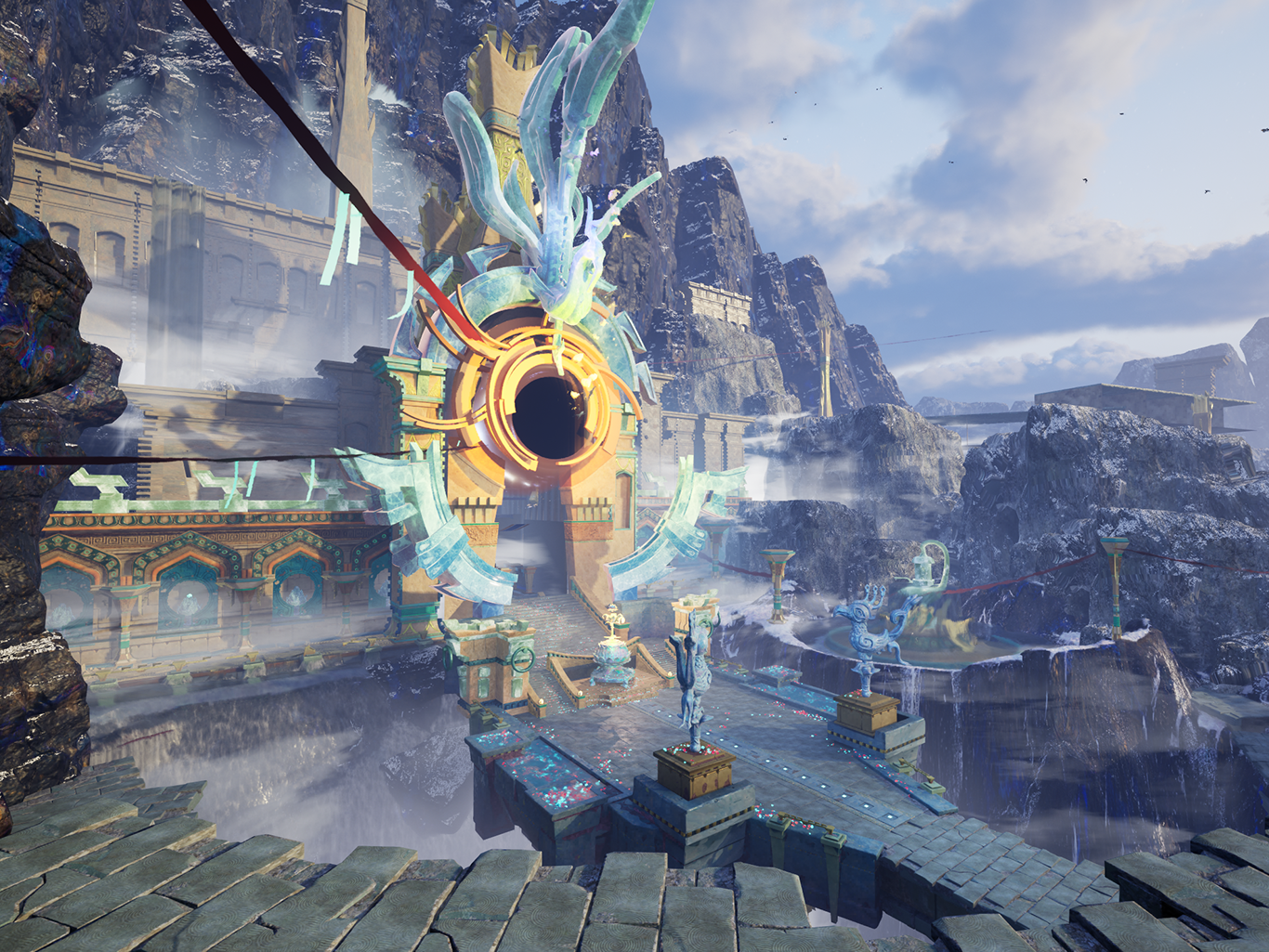
Starwhisper's story is mainly about magic, and the FeathterFall region are filled with glaciers.
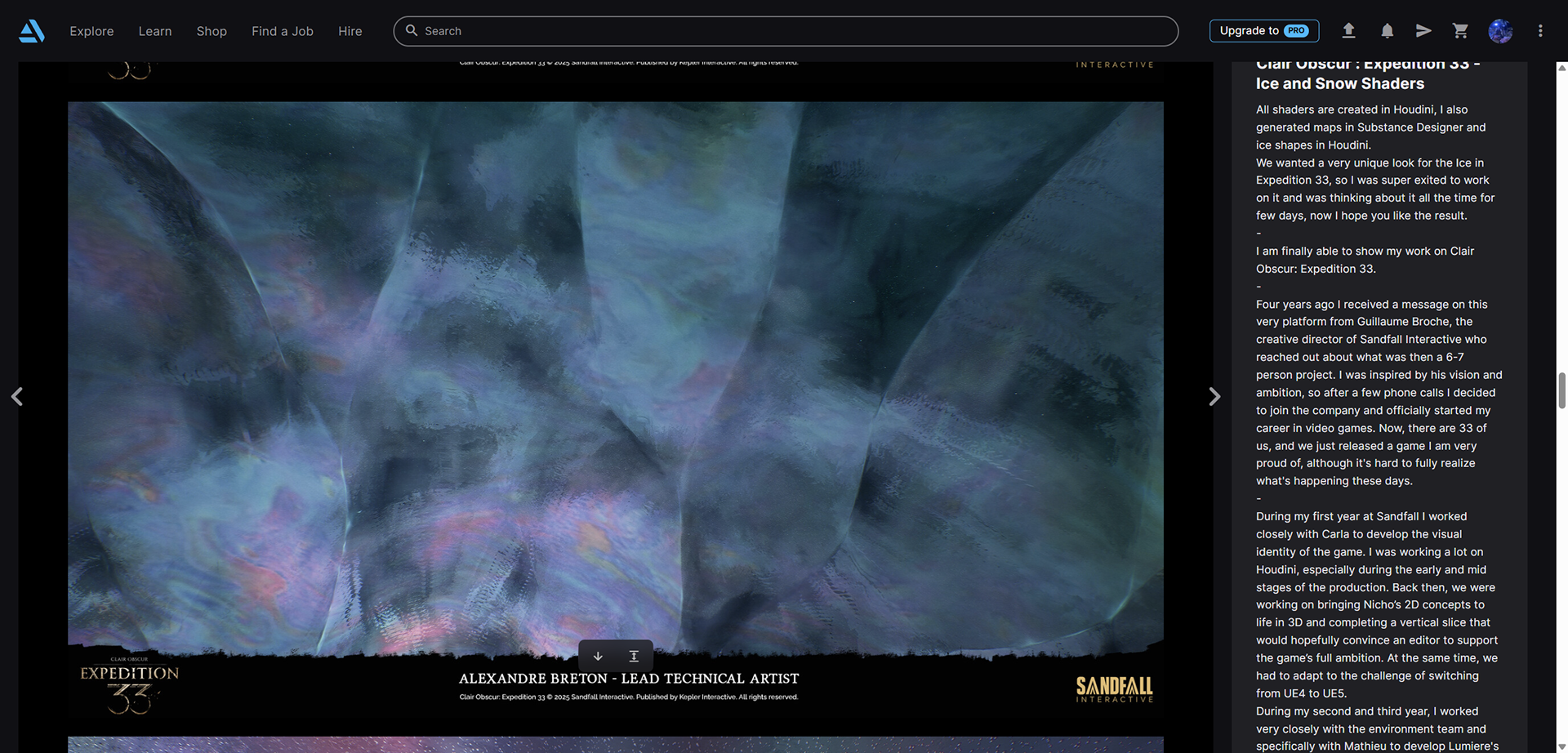
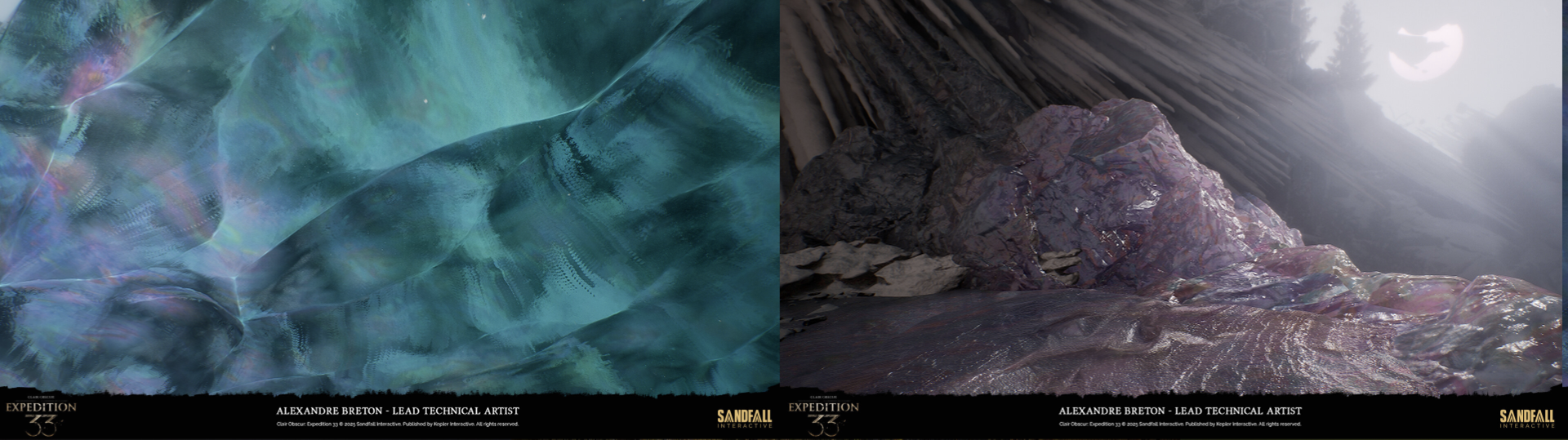
I did lots of research, fortunately my favorite game expedition 33 inspired me. I was know there's a showing called Thin-Film interference! So that's why I did this.
BTW A special thanks to William Wang(our led for Entropya project) for making this shader process smoothly.
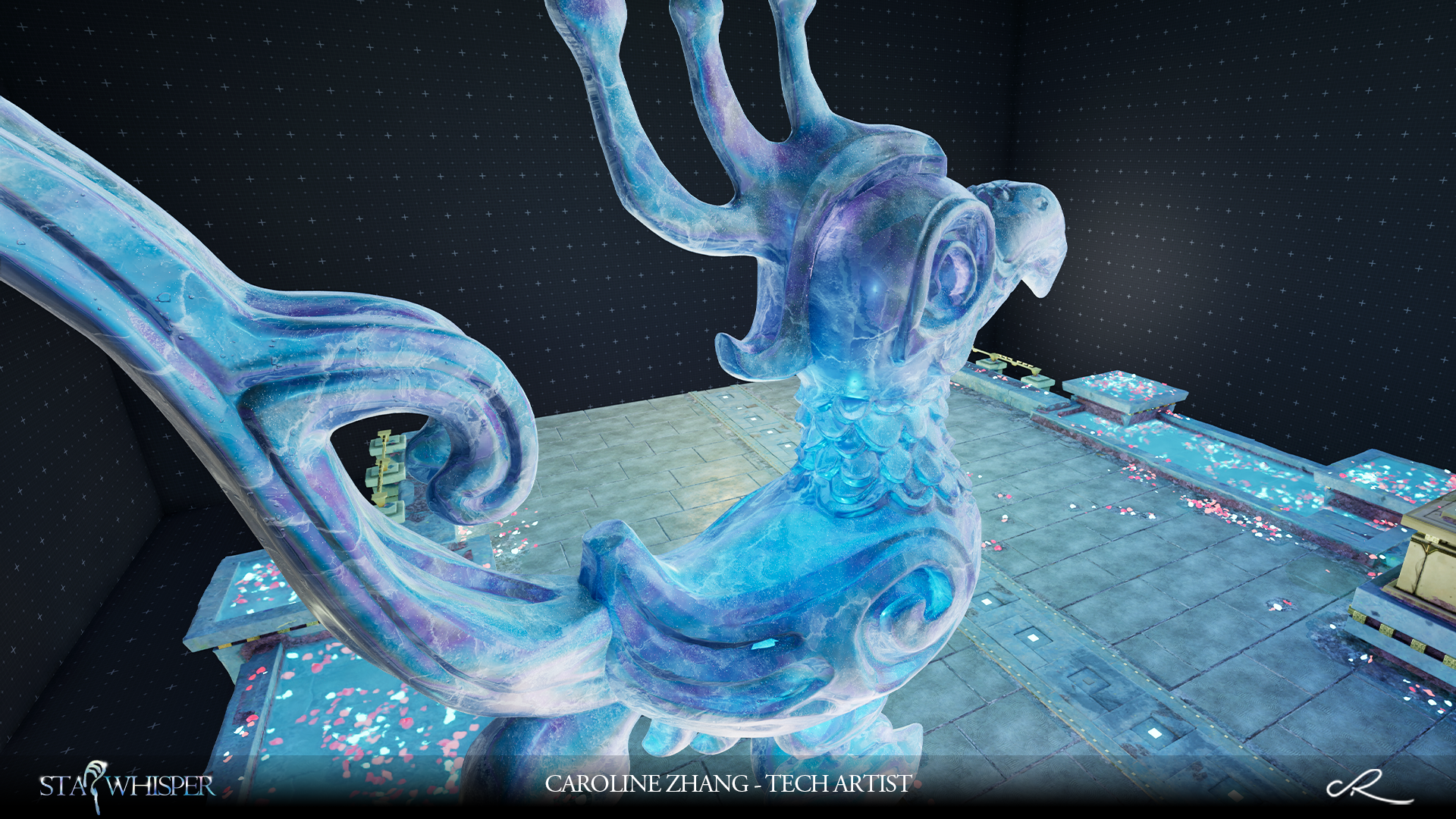
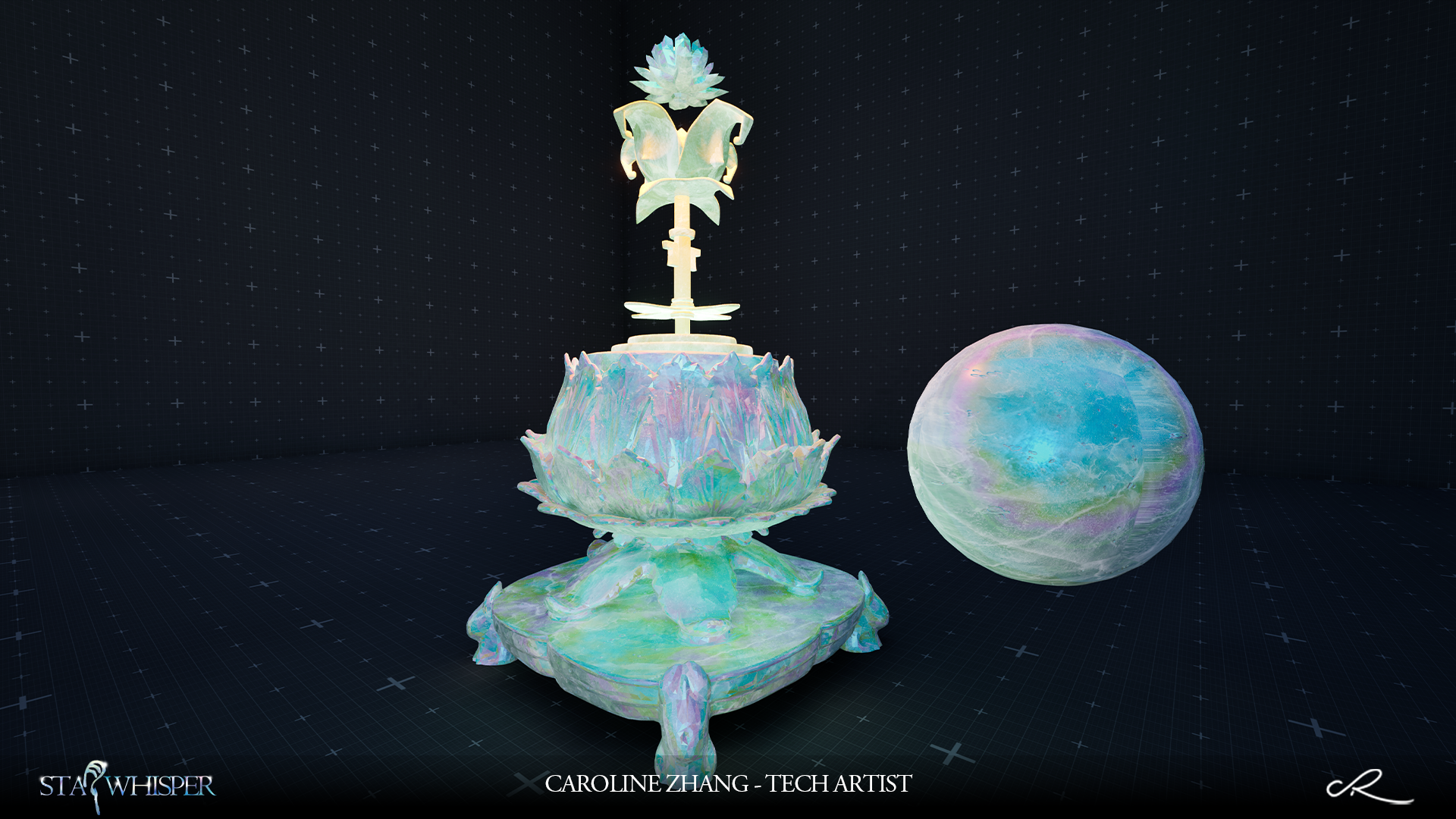
I found the shaders from Alexandre artstaion (https://www.artstation.com/artwork/BkQO84) - a lead tech art of Expedition 33, also screenshot a lot in game, you can see them below. The way he did was mainly use Sd with Houdini. Yes, houdini such an amazing tools to creat VFX.
But that's before! There also too many shortcoming for that, like the import or upload HDA little bit time-comsuming. The convenience lower than UE build-in system. You may know the landscape create in past was using Houdini, but now UE have a strong function in it.....
1.1- First attempt
The first attempt(1st below) was mainly about using brush texture(made in Sd) with POM(2nd below) , fake Thin-Flim textures(made in Sd) for surface and cheap glitters(4th below) for final specular. The result of showing pretty rough, like the Thin-Flim part, also the lack of physical. But that was a good start. The glitter way and the custom gradients(5th below) I kept for final shader...
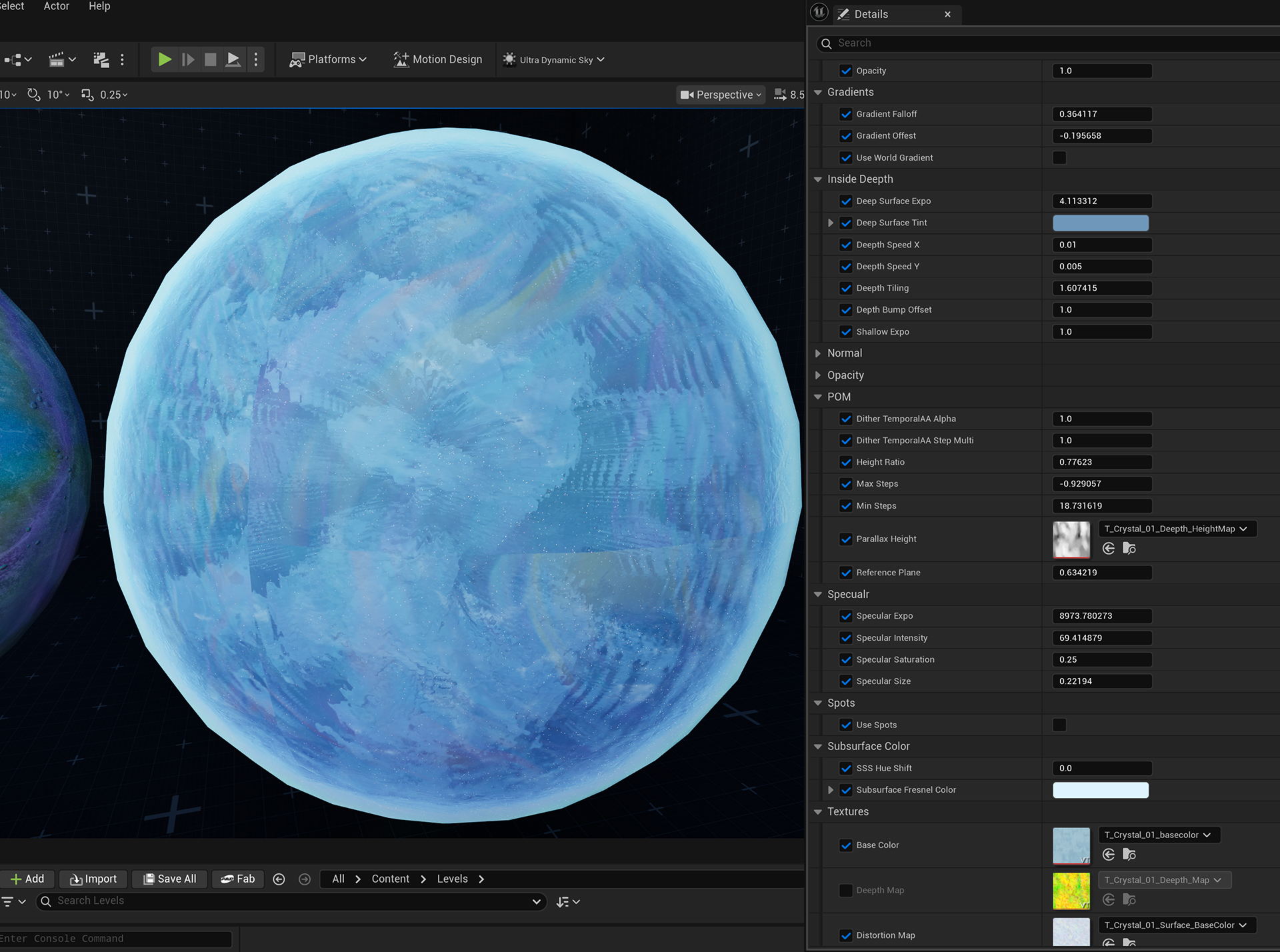
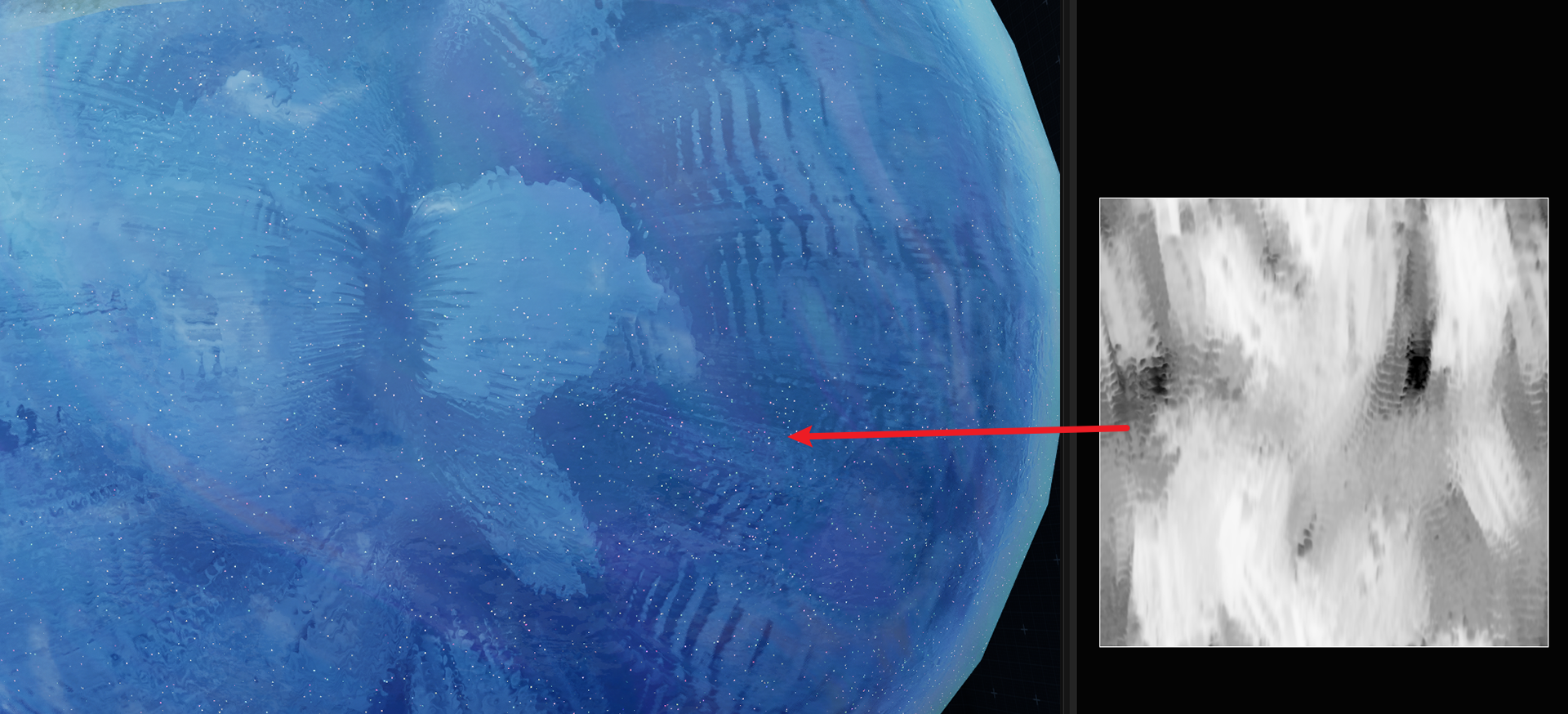
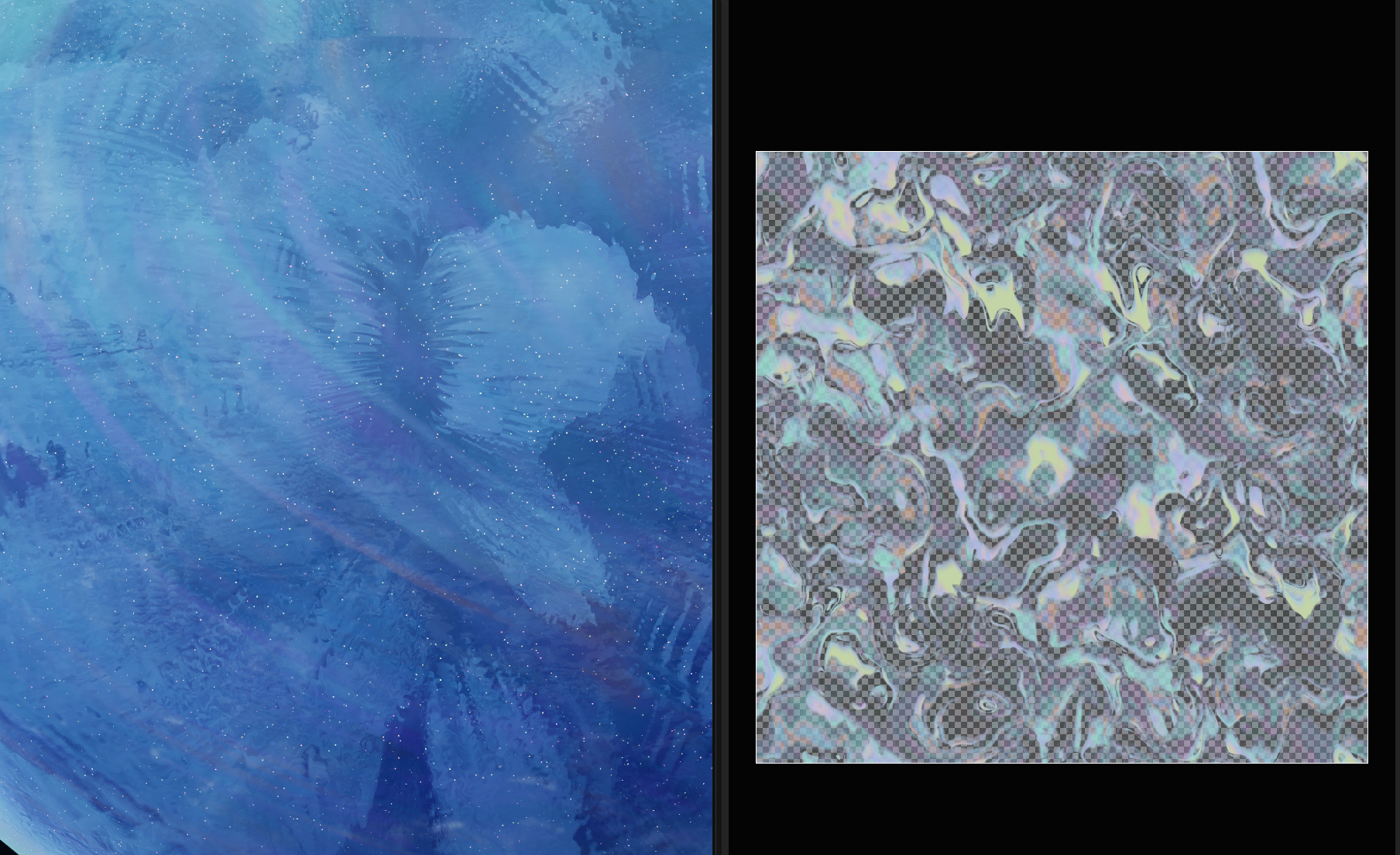
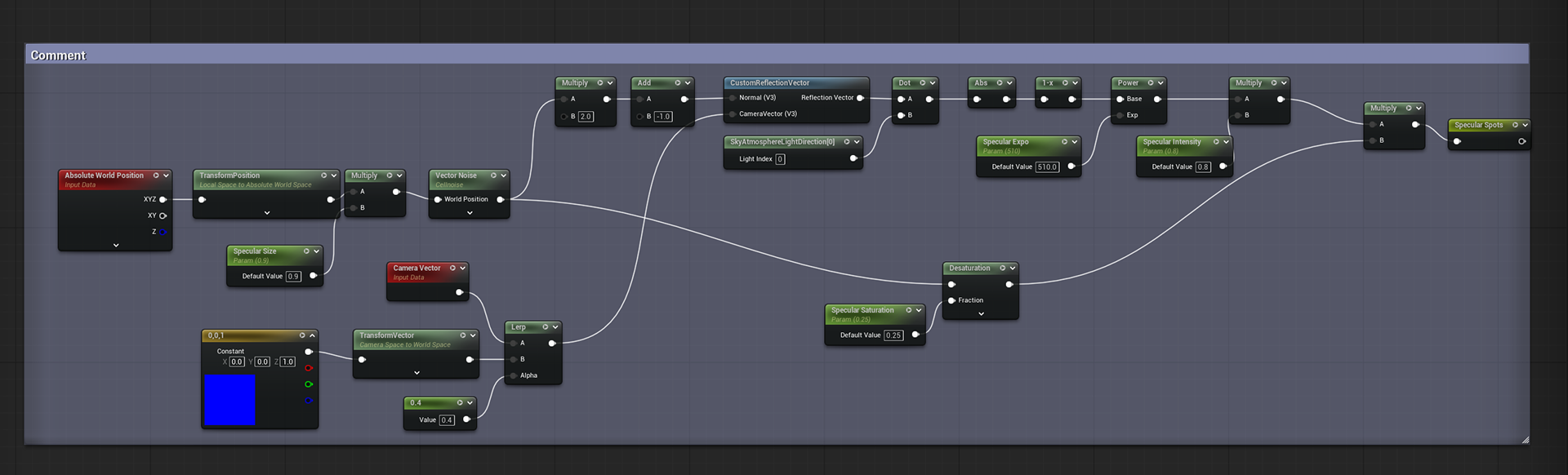
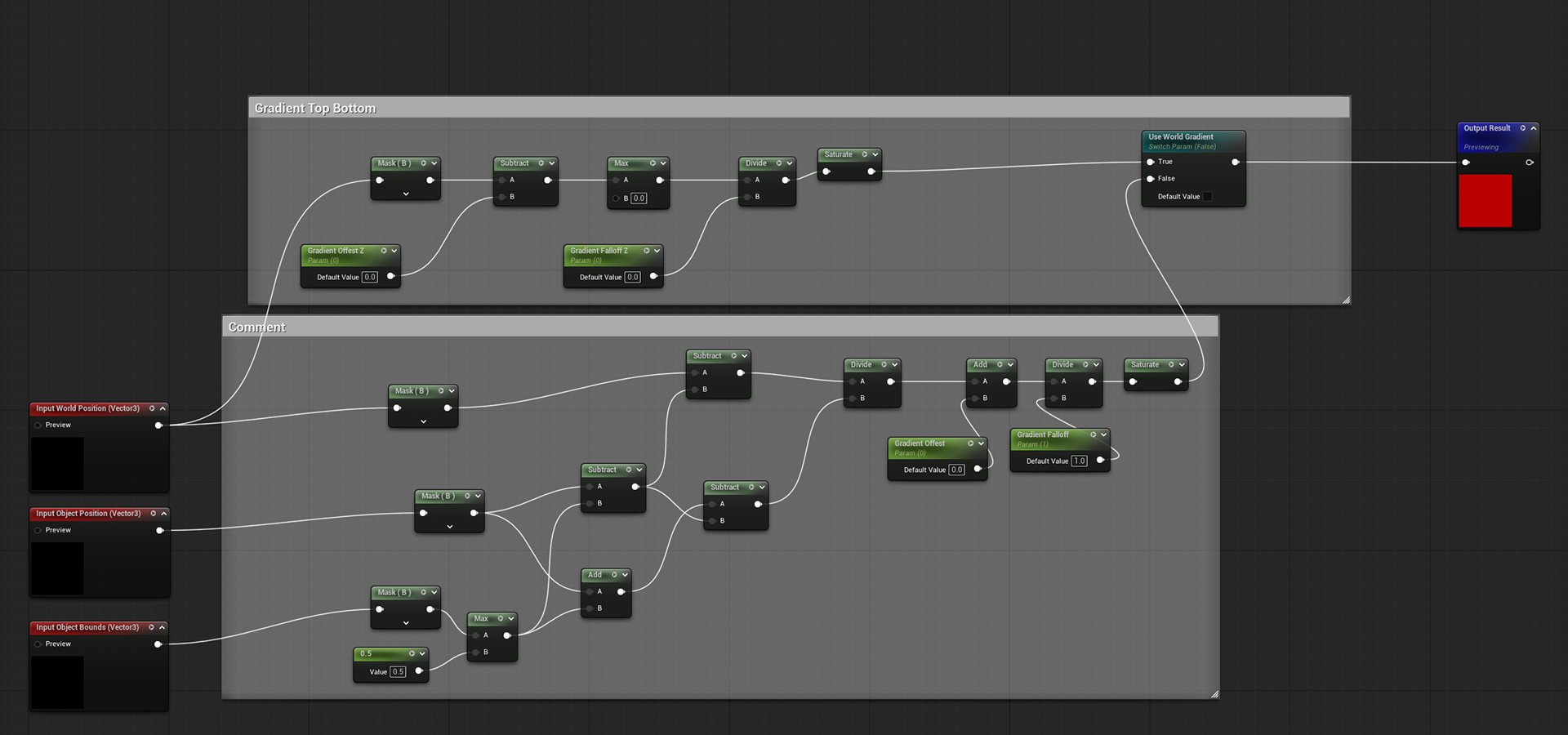
Okay back to the point, my way was about use Custom HLSL in material function.
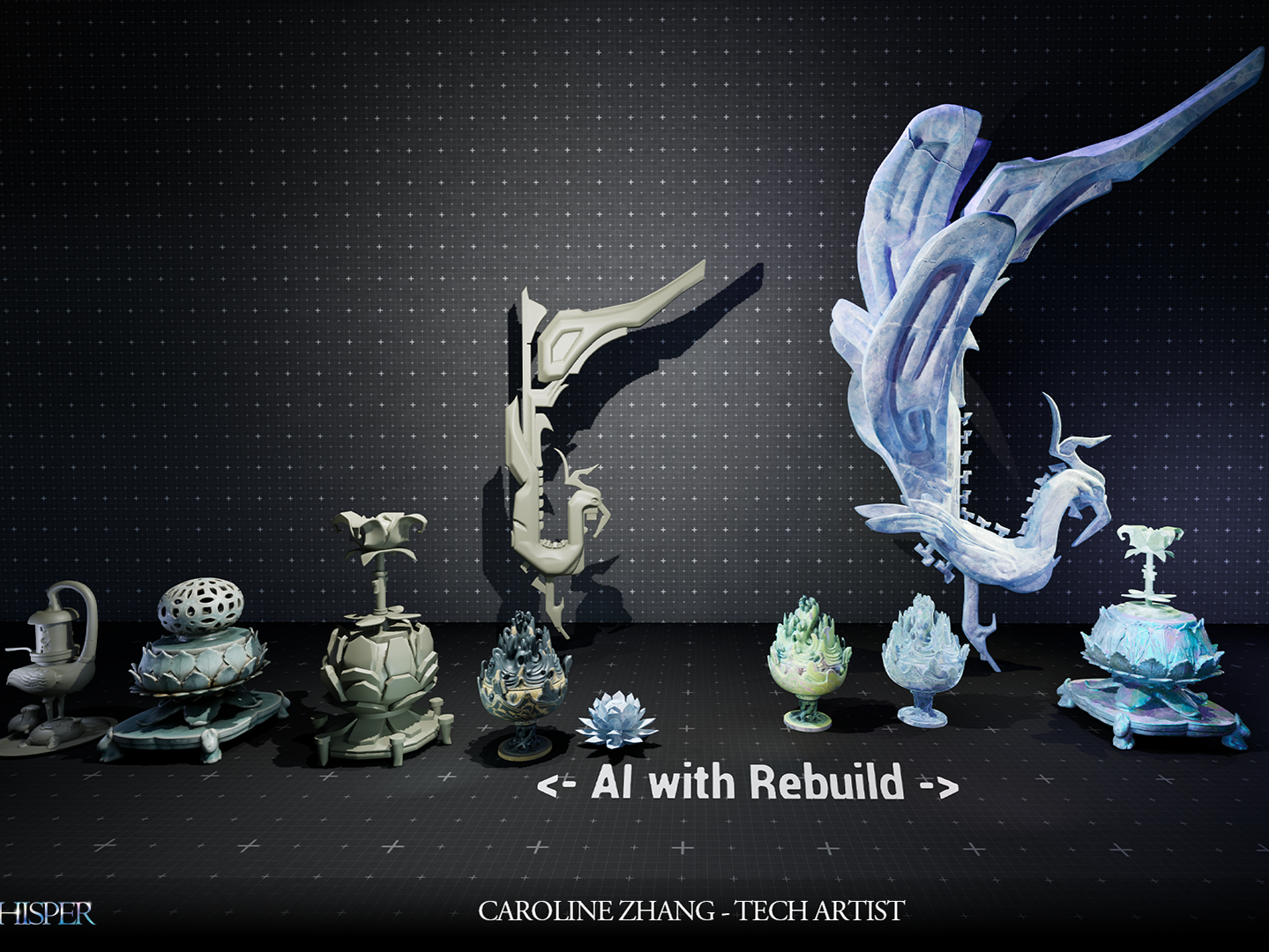
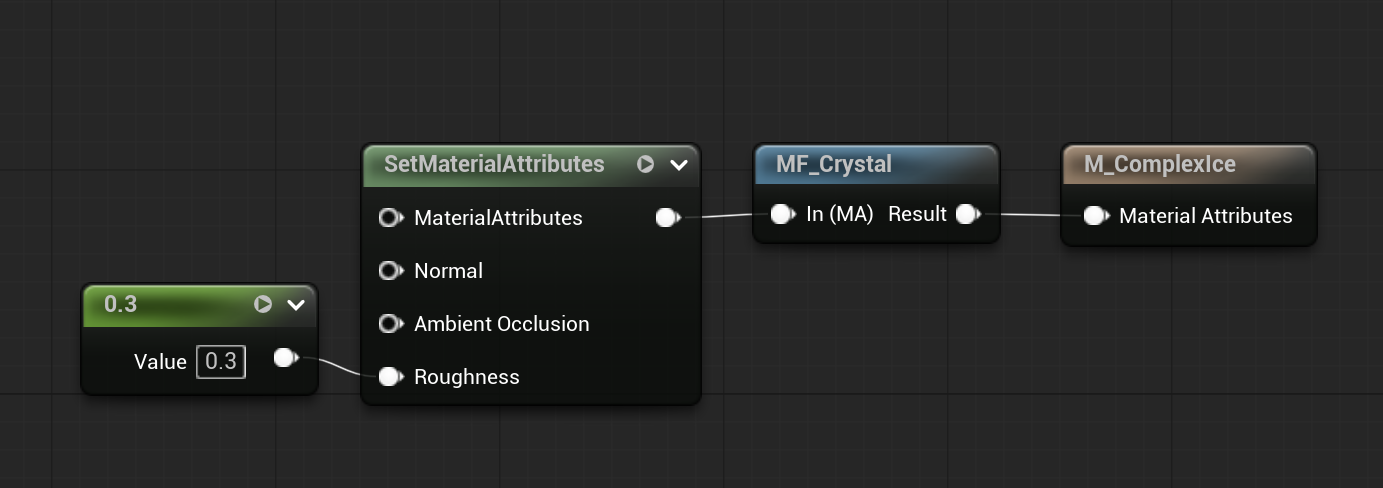
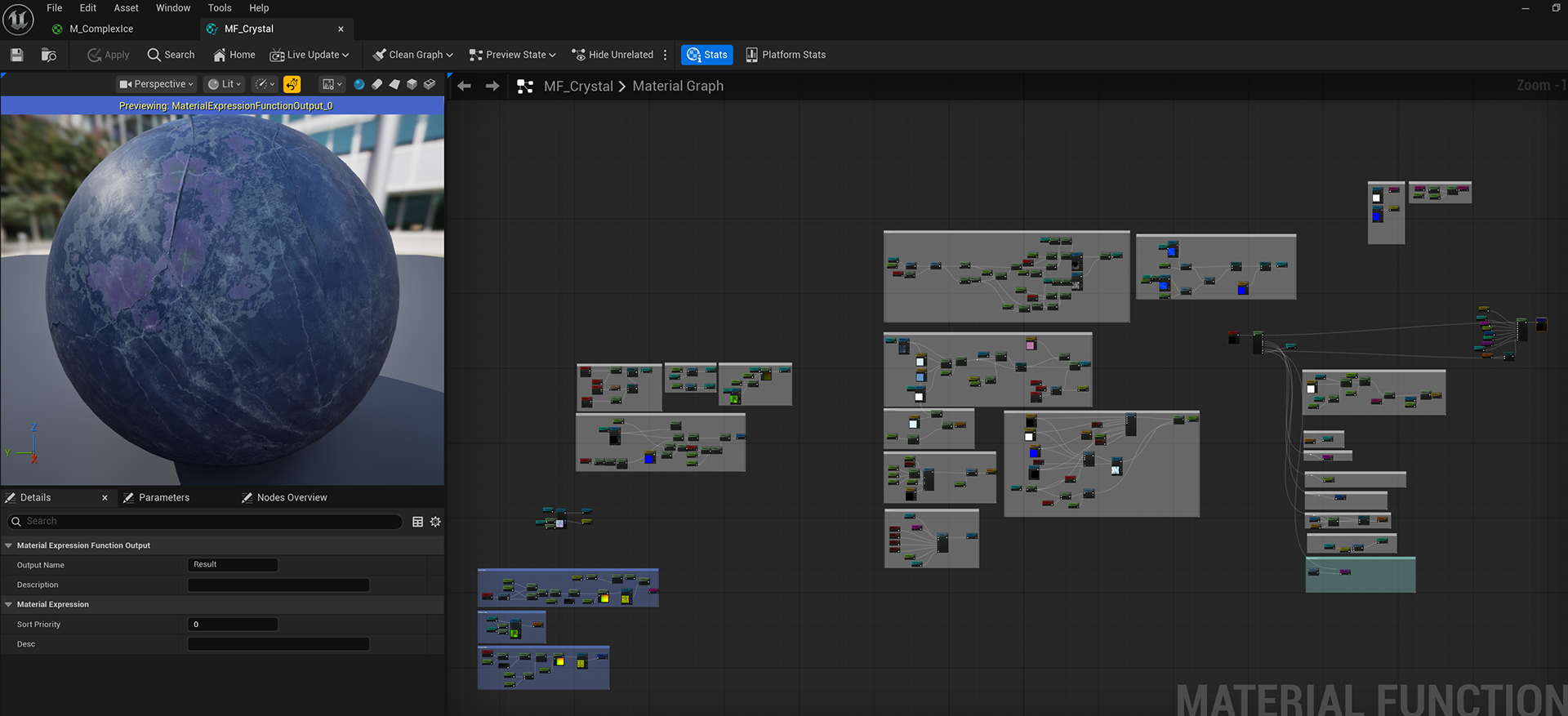
The master material kept simple. To improve reusability, both the main crystal effect and the Thin-Film interference were implemented as material functions.
1.2- Shadertoy GLSL with UE Custom HLSL
Shadertoy really helpful to us. They are too many impressive shader in it - One was about Thin-Flim.
After I understood the principle of Thin-Film, I then started to study the shaders in Shadertoy. The cost of study has been significantly reduced, especially in coding.
But the issue defintely is the language they use GLSL. So how to covert that? Is that possible?
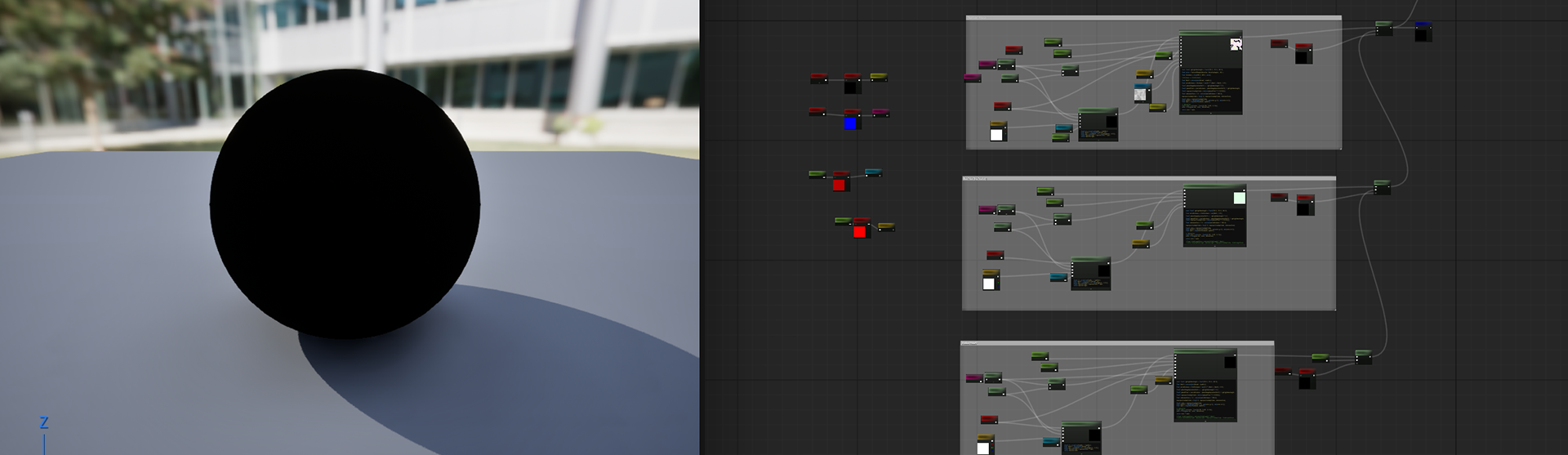
Yes, we have AI! I used Chat to assist with the conversion, but I found that when directly telling the AI to help translate this series of codes from Shadertoy into HLSL code that can be used in the custom nodes of UE, the responses given by Chat were always incorrect. I pasted its responses into Unreal Engine, but always encountered errors.
Why? Cuz the Custom node of UE does not accept function definitions. It only accepts a fragment of expression code and inserts it into the material compilation process, similar to macro expansion.
So when use the Custom are essentially performing a kind of variable adaptation process.
2- Material System
Reusability and a smart workflow are extremely important in my personal projects.
Imagine if every rock, mountain, or brick used a completely different and unique material — it would be highly inefficient and wasteful. At the same time, those subtle organic characteristics wouldn’t be represented correctly. In other words, the materials would lifeless.
I strongly resonate with the words of my favorite material artist (I'd really study a lot from his sharing) - Vincent Dérozier: Each texture are different type of notes/instruments and to be appealing a material need rythm. It's better to use each texture stratas to tell something different. You can find the sharing crossing this link, which really helpful: https://www.artstation.com/artwork/29JEDJ
Each layer of texture tells a unique story, like weathered stone carries the memory of everything it has endured. As an artist, I see myself as a storyteller for these materials. They cannot speak, they need someone who understands and expresses their story.
Cuz of that, the material system across my entire project is kept simple and clear:
One master setup for layered materials - For organic natural assets (The 1st below).
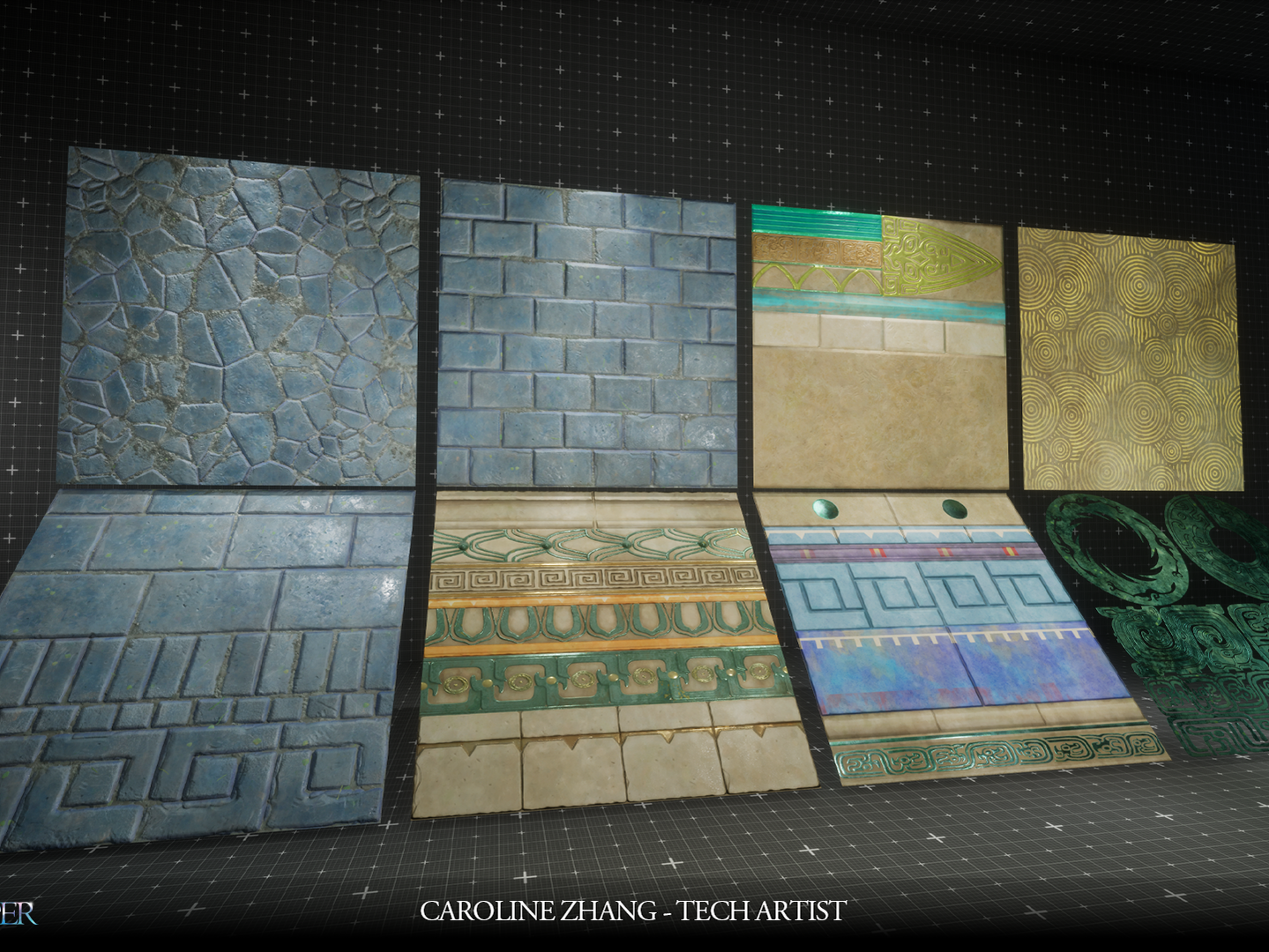
Another for vertex painting combined with DFAO - For artificial assets (The 2nd below).
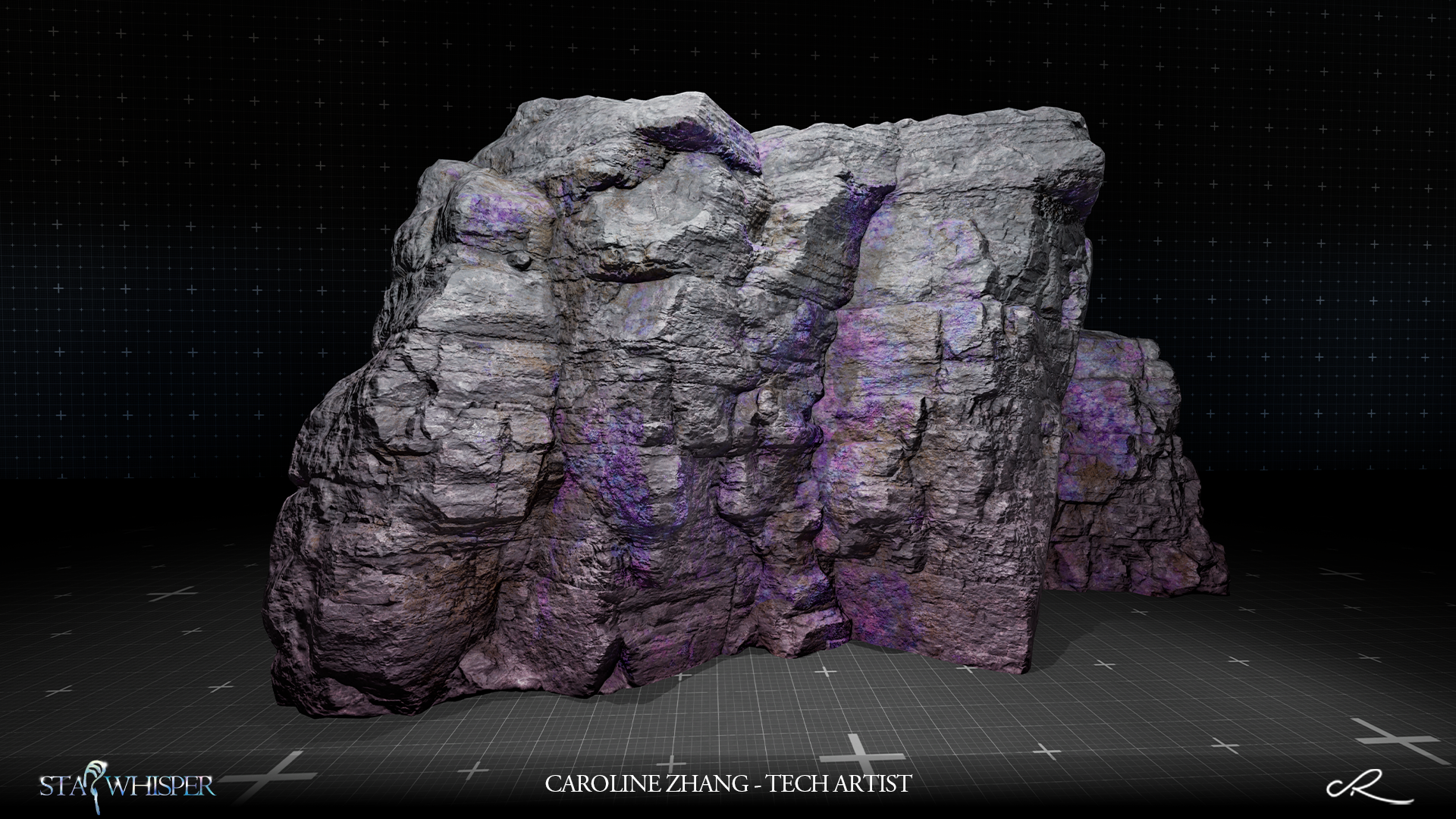
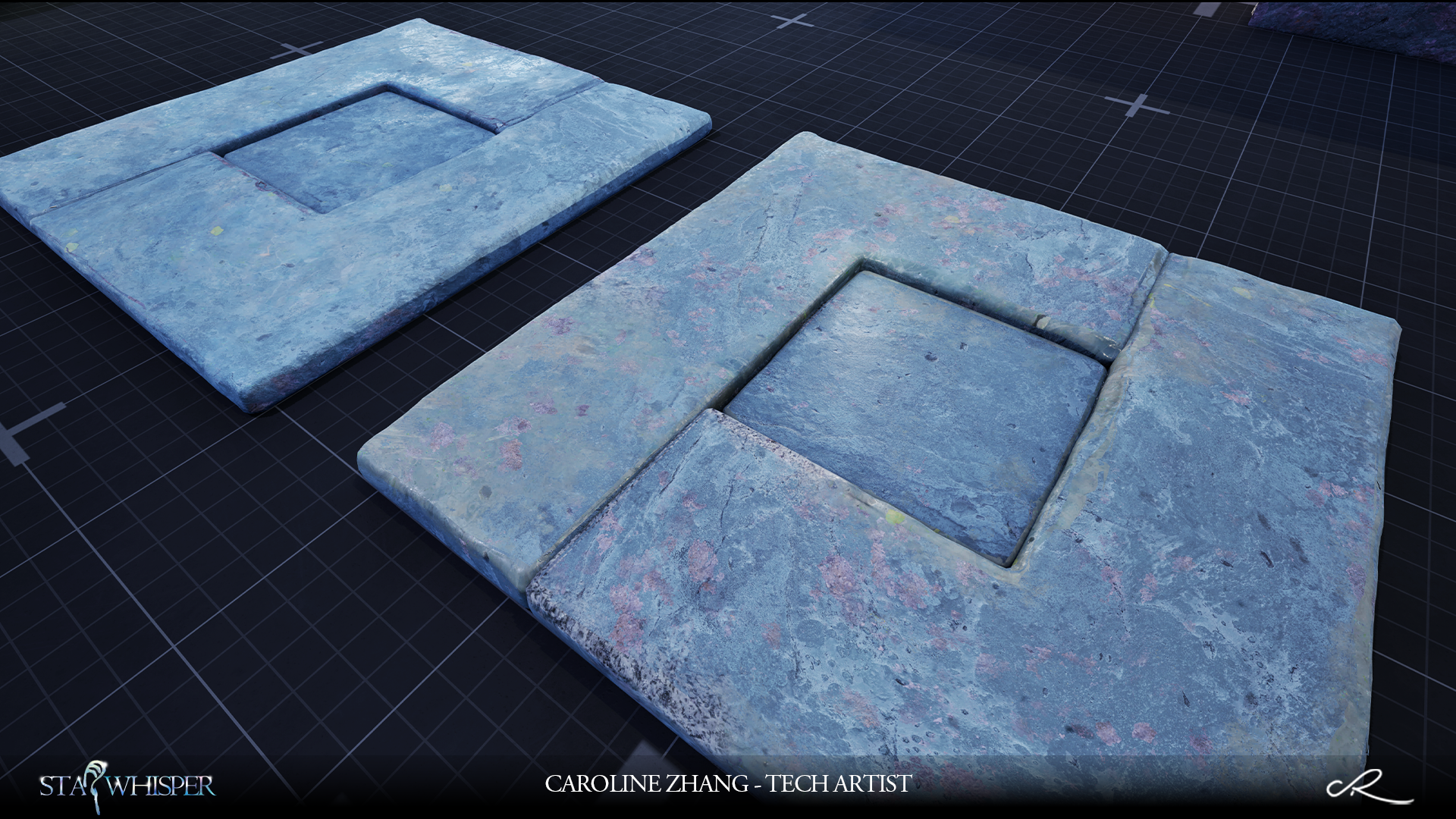
2.1- Refined Texture Data for Layered Materials
When building layered materials, the biggest challenge wasn’t making more textures. It was keeping materials believable while avoiding a heavy texture workload.
In many cases, layered surfaces start to feel flat or disconnected when everything is driven by shared tiling maps or procedural masks. Some parts of the environment need to retain a sense of structural identity instead of being fully overridden by secondary materials.
So the goal became: How can layered materials stay grounded without relying on excessive unique textures?
To solve this, I kept Unique AO/NM for key surfaces.
These are not used for extra detail, but to preserve micro contact and surface orientation during blending.
For secondary materials like moss or oxidation, I didn’t create additional texture sets. Instead, I used DFAO to drive their placement. This allows them to appear naturally in cavities and protected areas.
All base materials are built from tiling BC/NM/ORM These maps don’t just describe appearance — they also influence how surfaces respond when new layers are introduced.
For larger environmental effects such as snow or weathering, MLA is used. These layers are fully tiling and globally reusable, they more like environmental conditions rather than specific details.
Each layered strates have their own unique rhythm and vibrant - The key point for my material system.
Inspired by blend-driven packing approaches: https://lod0.notion.site/Rethinking-Texture-Packing-for-a-Material-Layer-Blending-Pipeline-3156d4c16b3580349335e80943e82f54
My Material maps (Traditional ORM) were structured to accumulation, replacement, and retention, enabling DFAO and MLA layers to respond differently to each surface.
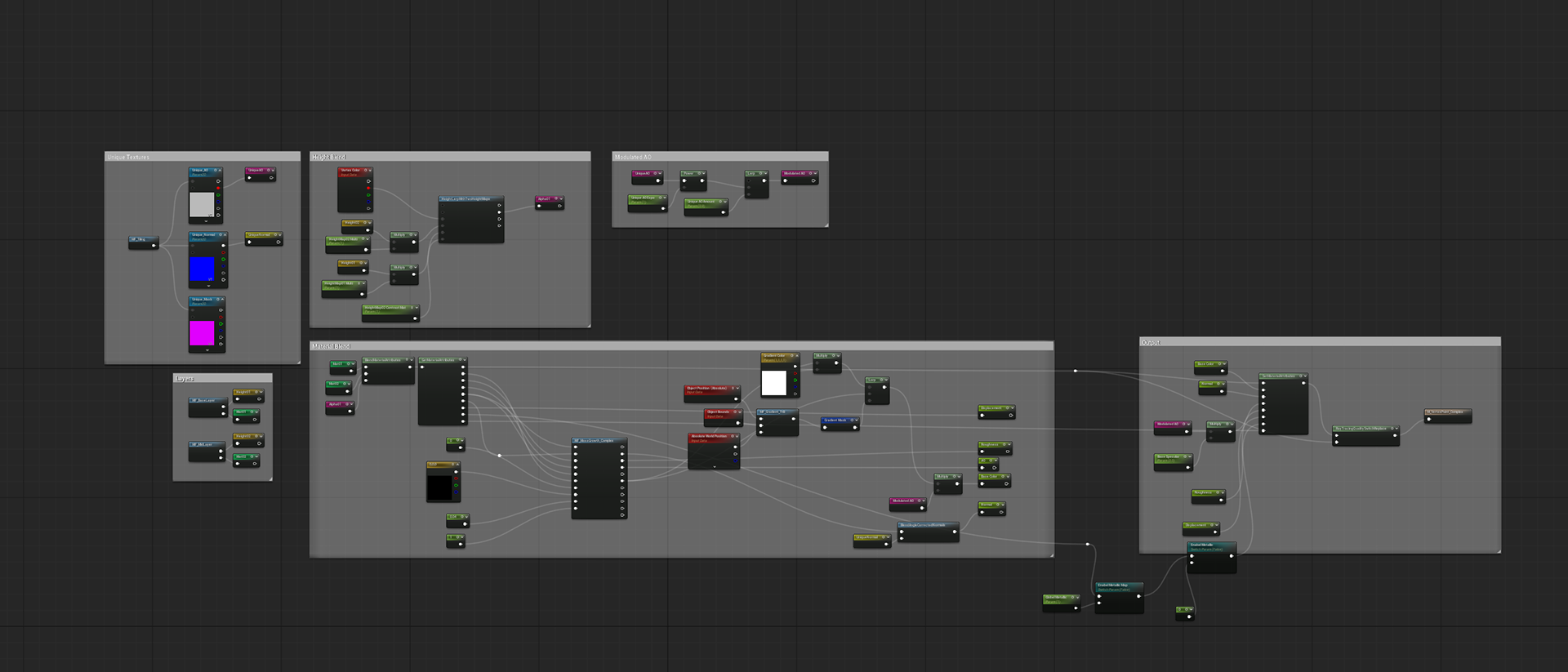
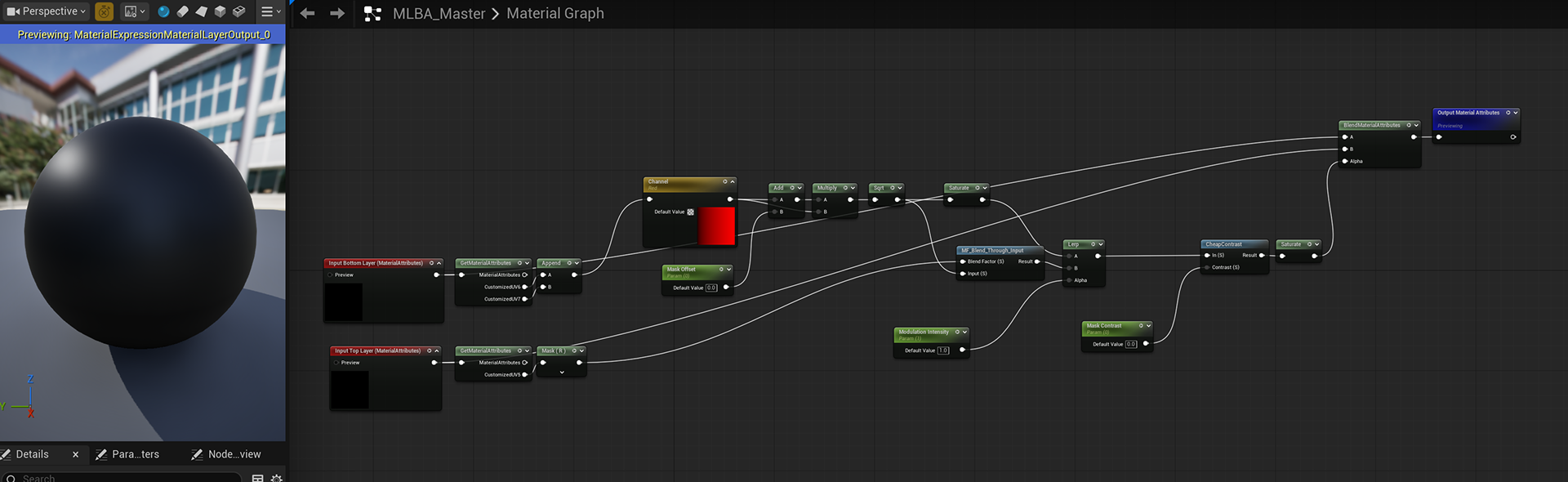
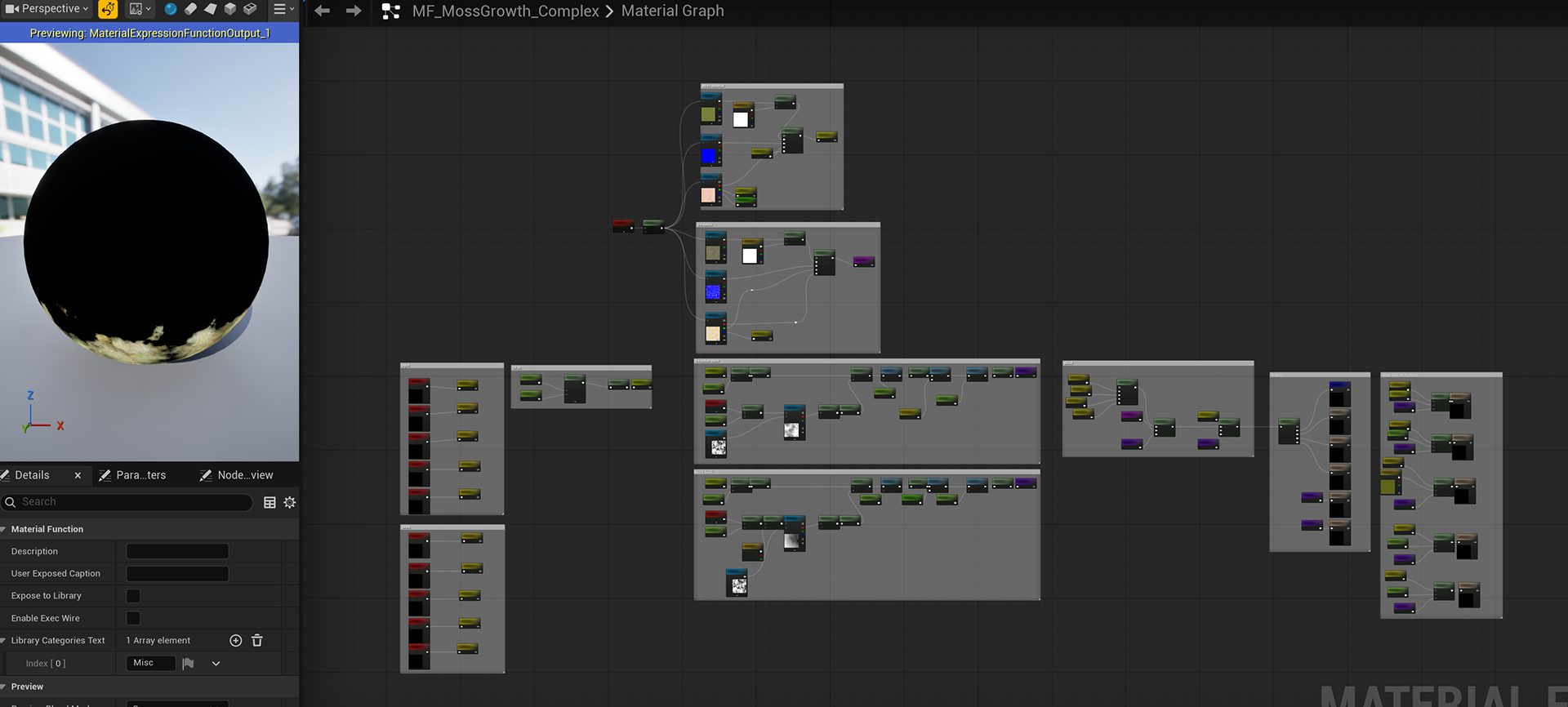
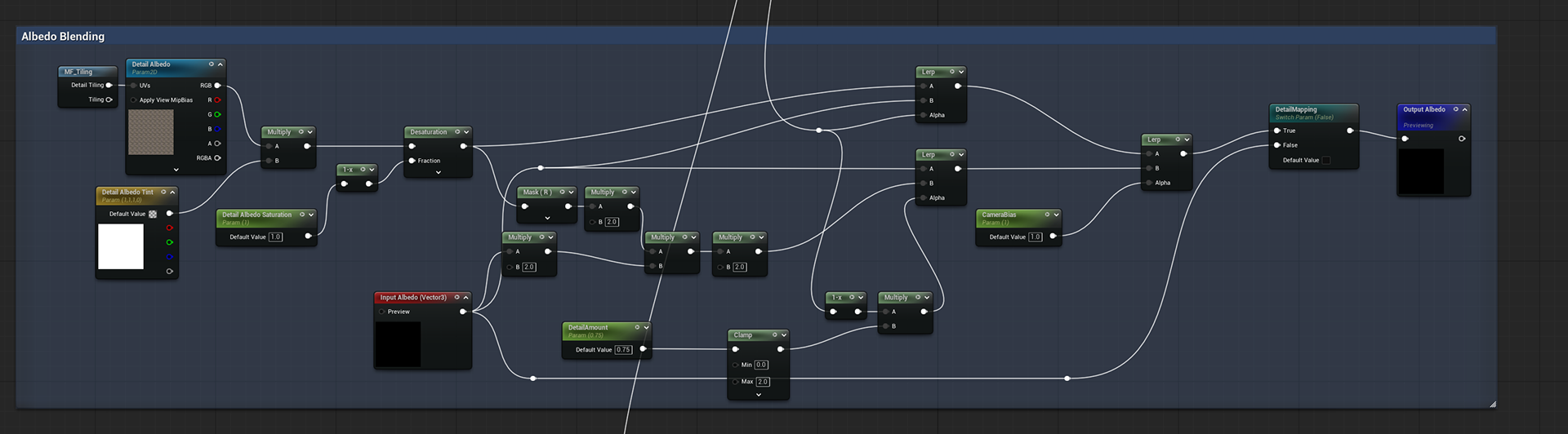
2.2- Final Detail Mapping with Blending
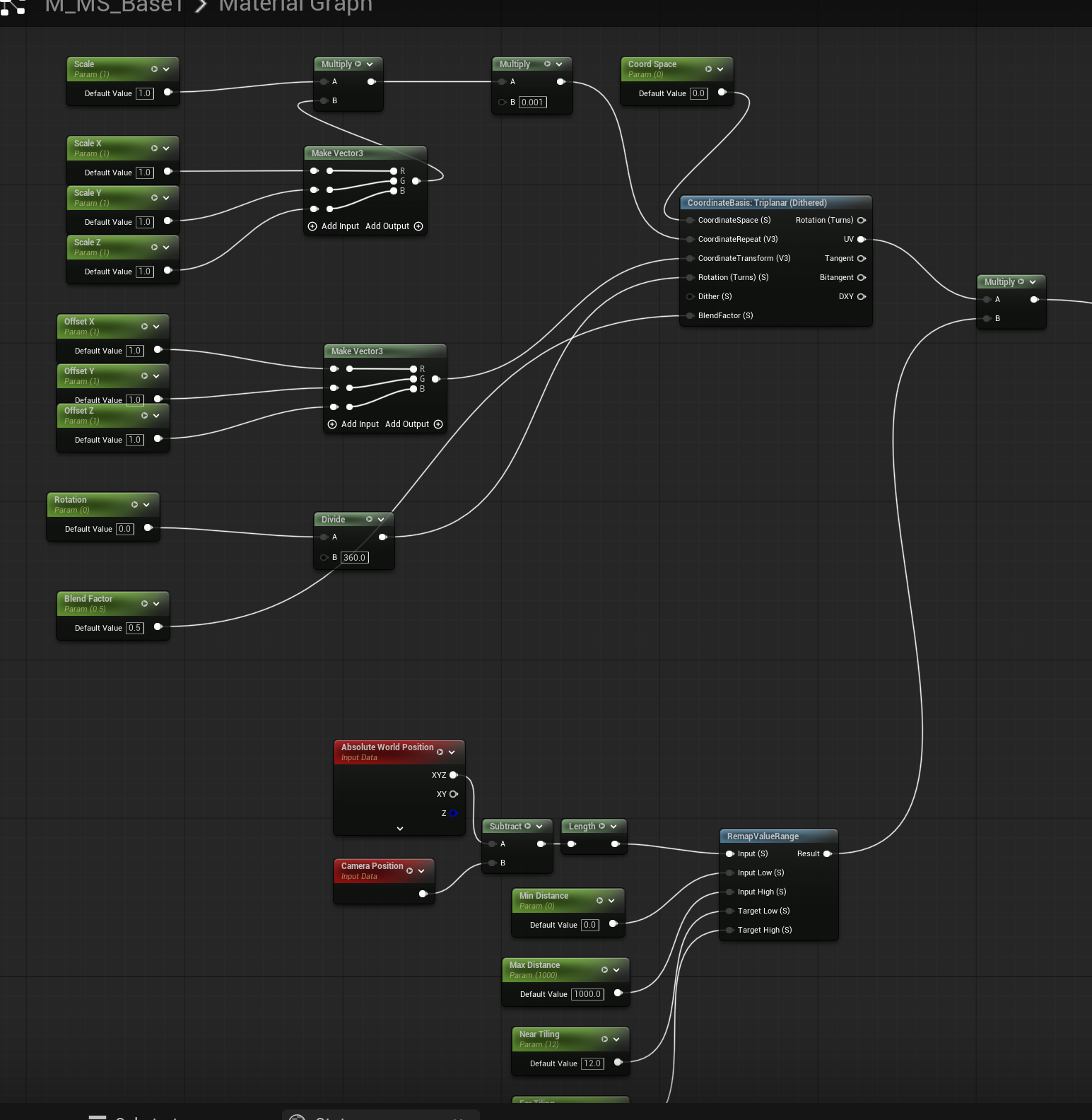
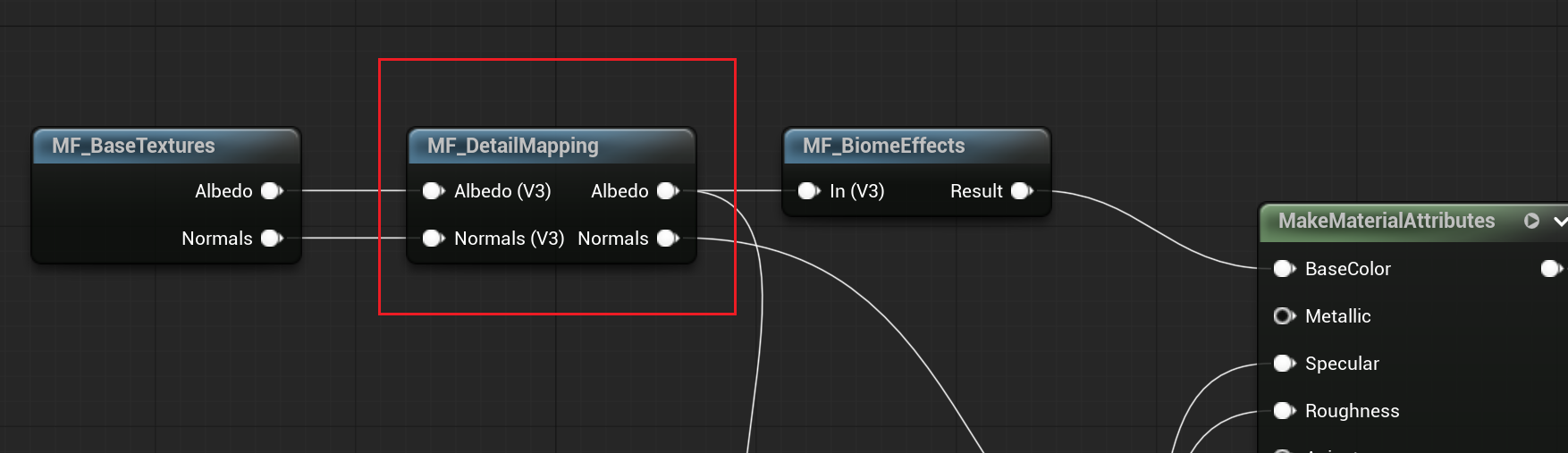
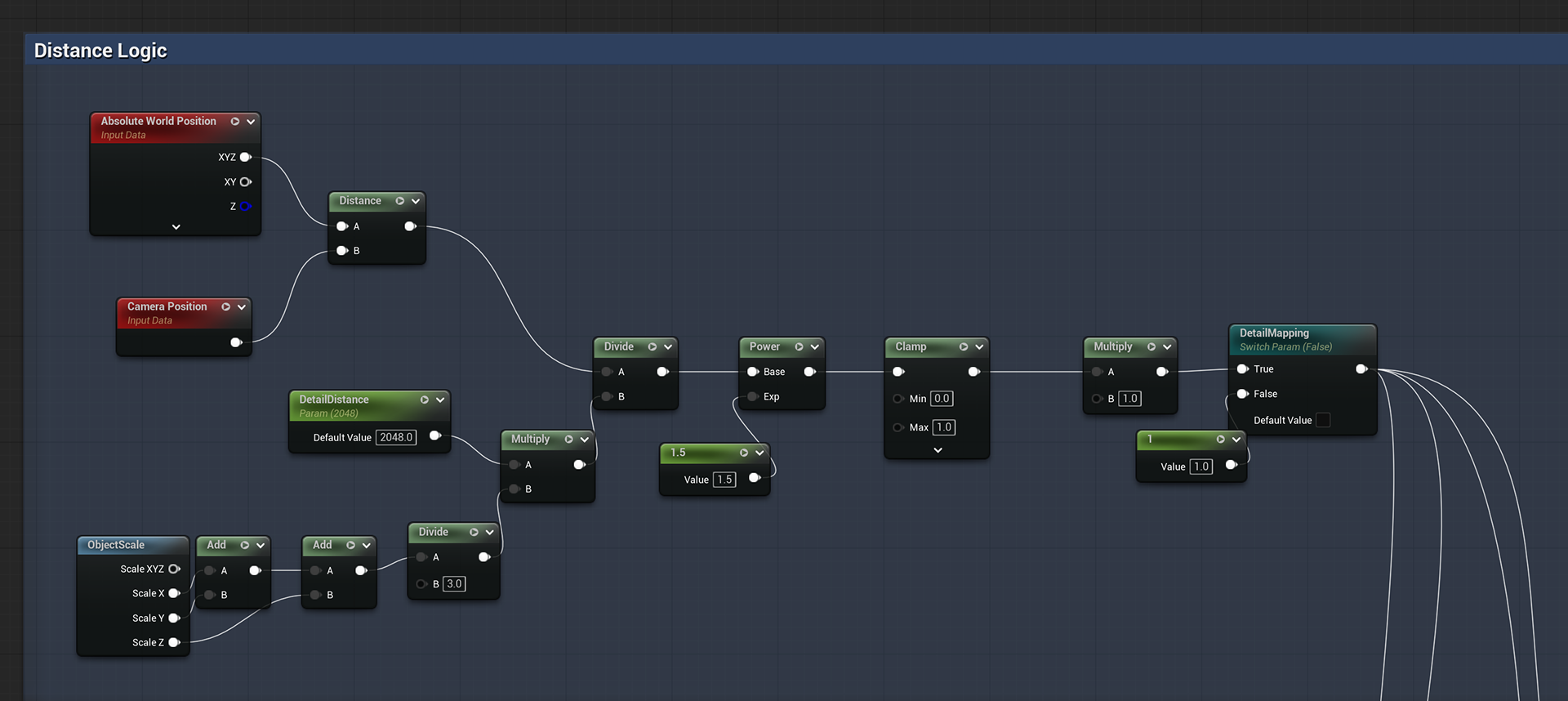
For thos natural materials like cliff, it's very important to add distance mesh functions. You can see the distance logic below.
2.3- Distance Tiling (Still in-progress)